Everything your field team needs — in one app
Your technicians get a text with an address and a vague description. They call the office for context. Notes stay on paper. Photos sit in their camera roll. Nobody knows if the job is done until someone asks.
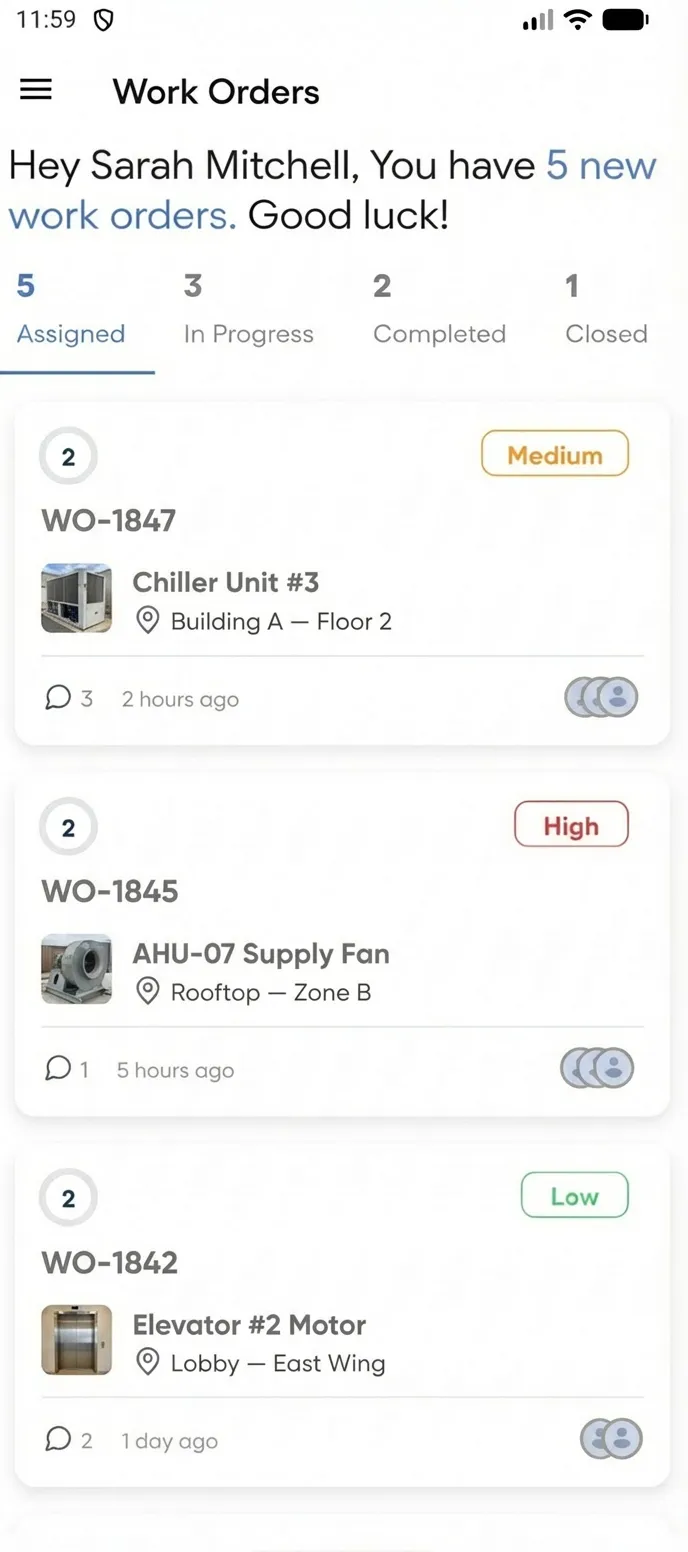
See every assigned work order at a glance
Open the app and see all your work orders organized by status — Assigned, In Progress, On Hold, Completed. Tap any job for full details including asset info, location, and task list.
- Filter work orders by status with tab navigation
- Priority flags highlight urgent jobs
- Due dates and asset context visible at a glance
See who's assigned and what's expected
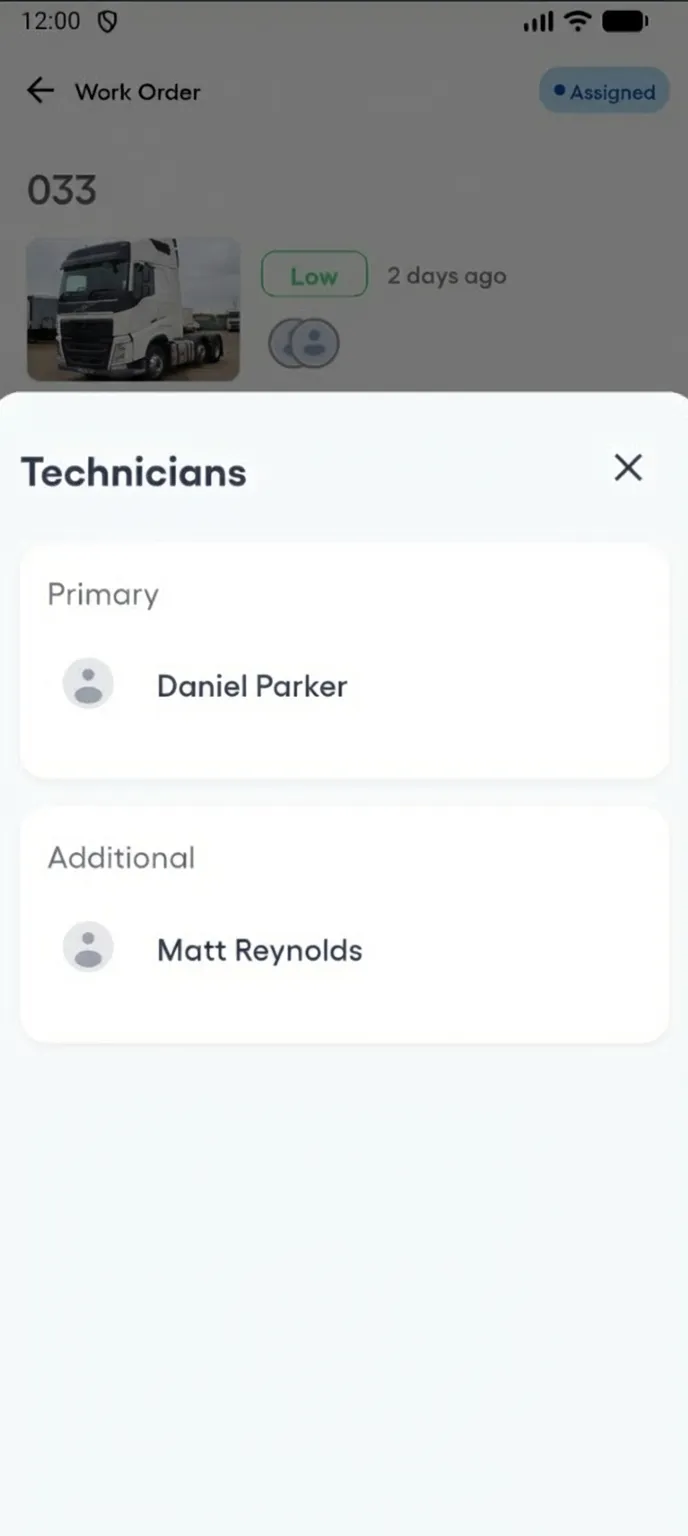
Every work order shows the full team — primary assignee and additional technicians. Know exactly who's responsible and what skills are needed before you arrive on-site.
- Primary and additional technician assignments visible
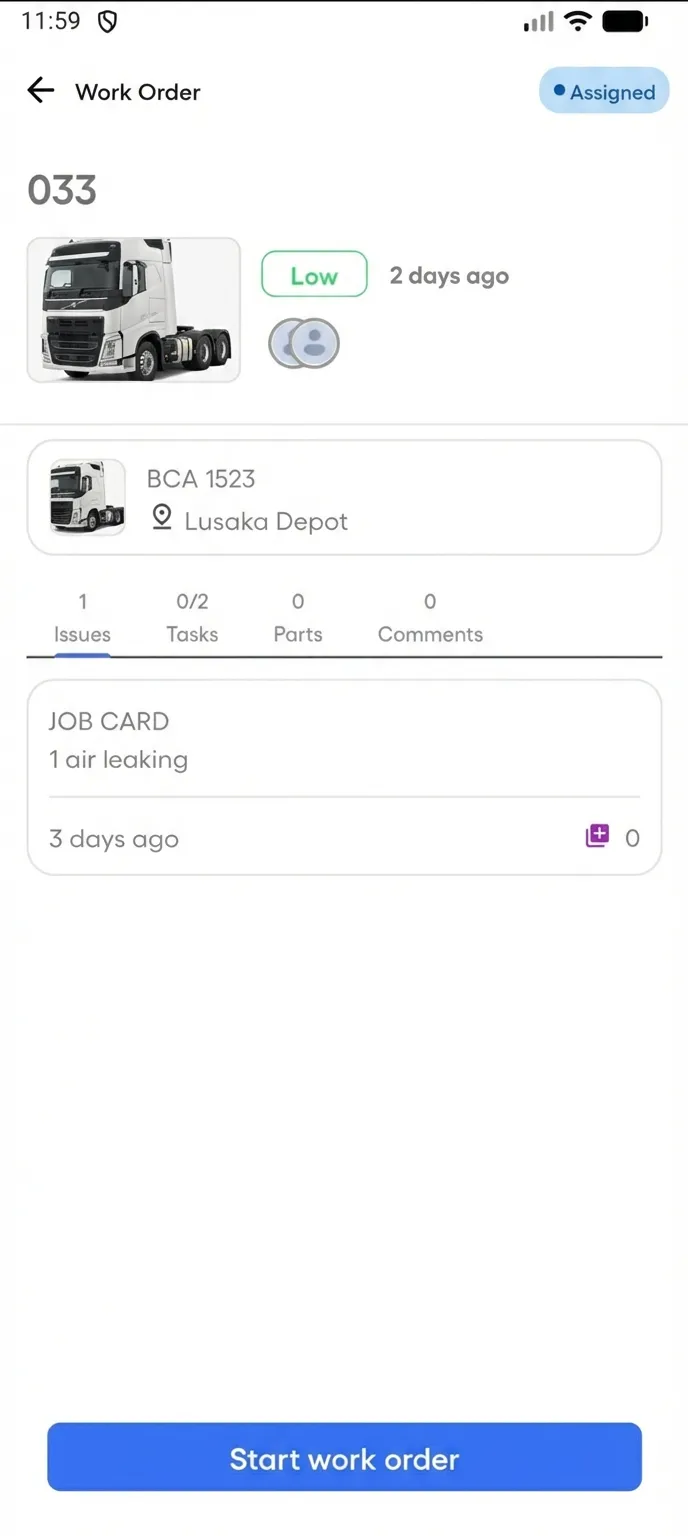
- Asset details and location context in every work order
- Priority and due date prominently displayed
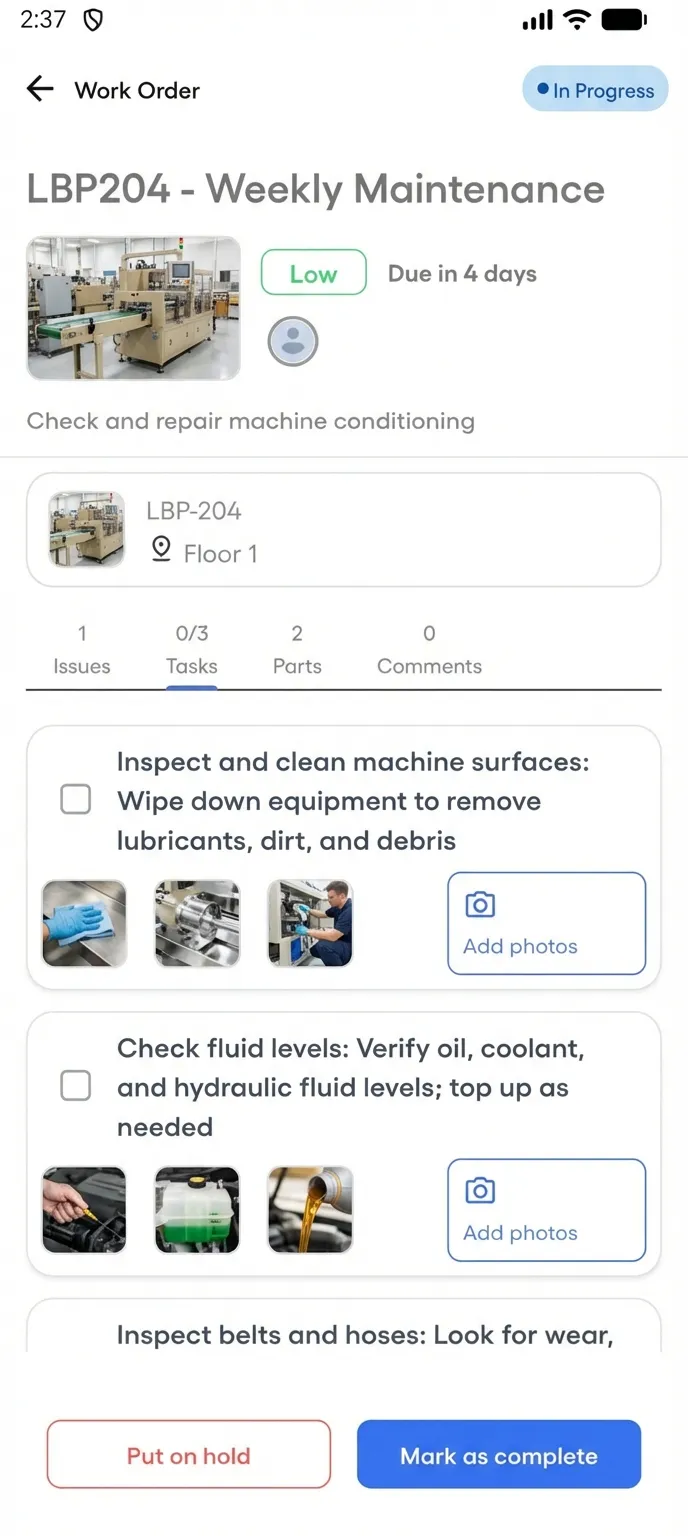
Follow guided checklists step by step
Every work order can include a procedure with defined tasks. Mark each step complete as you go — required tasks must be finished before you can close the job.
- Required vs optional tasks clearly marked
- Photo-required tasks enforce documentation
- Progress tracking shows completion percentage
Attach photos to every task step
Each task in the checklist supports photo evidence. Technicians snap before-and-after shots directly from the field — proof of work attached to the exact step it belongs to.
- Up to 3 photos per task for thorough documentation
- Camera or gallery upload per checklist step
- Visual proof tied to specific maintenance actions
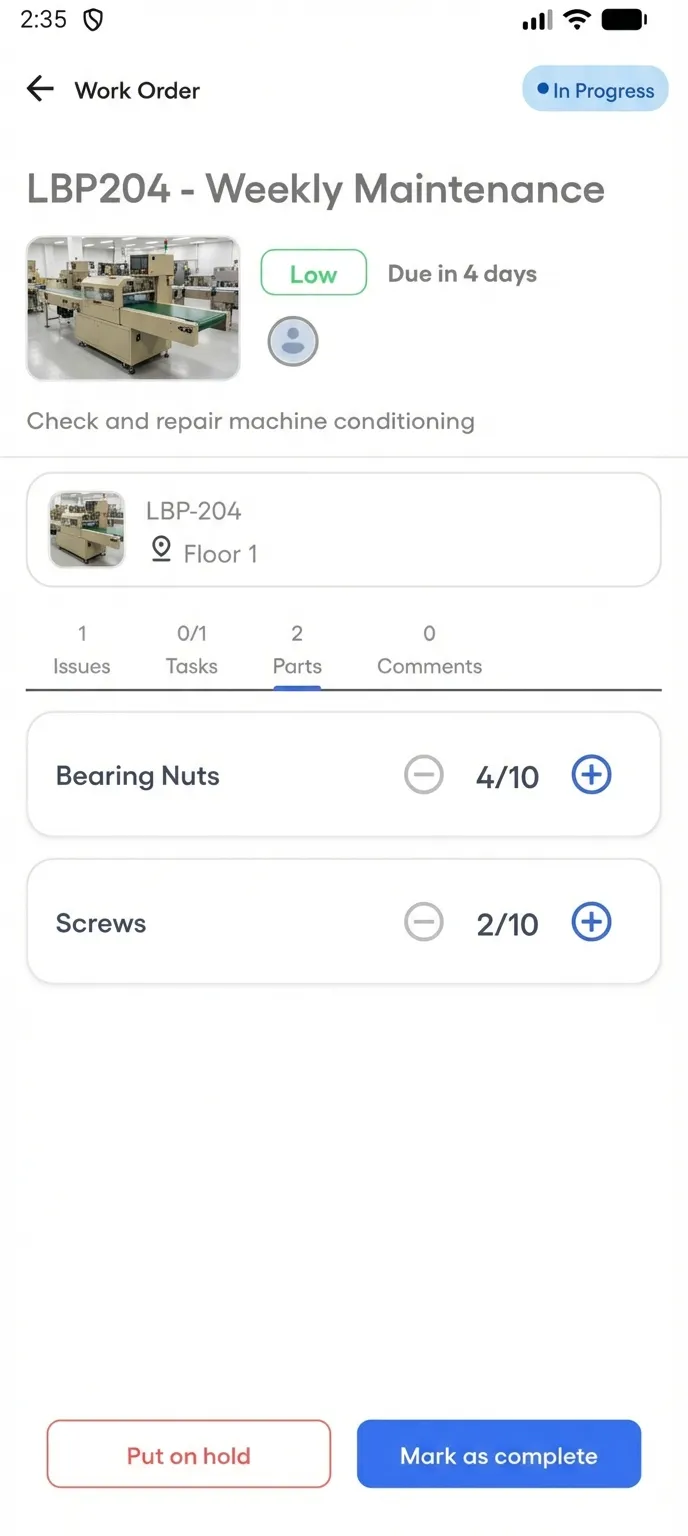
Track parts used on every job
Log which parts your technician consumed — right from the field. Quantities update in real time so inventory stays accurate without a spreadsheet.
- Increment or decrement part quantities on-site
- Planned vs actual usage visible per work order
- Inventory syncs automatically with the parts ledger
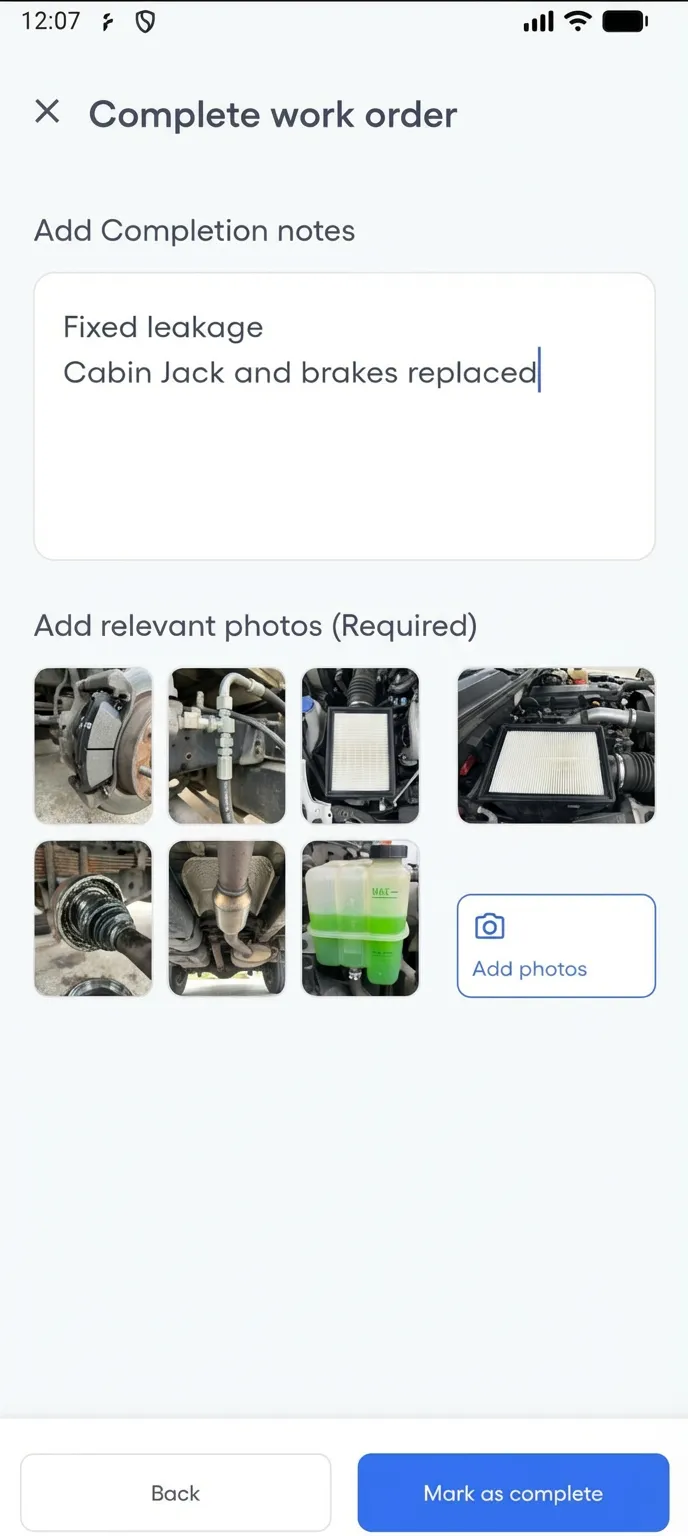
Complete work orders with notes and evidence
When the job is done, add completion notes and final photos. The work order status updates in real time — your manager sees it immediately without a phone call.
- Completion form with notes and multi-image upload
- Status updates visible to the entire team instantly
- Full audit trail with timestamps
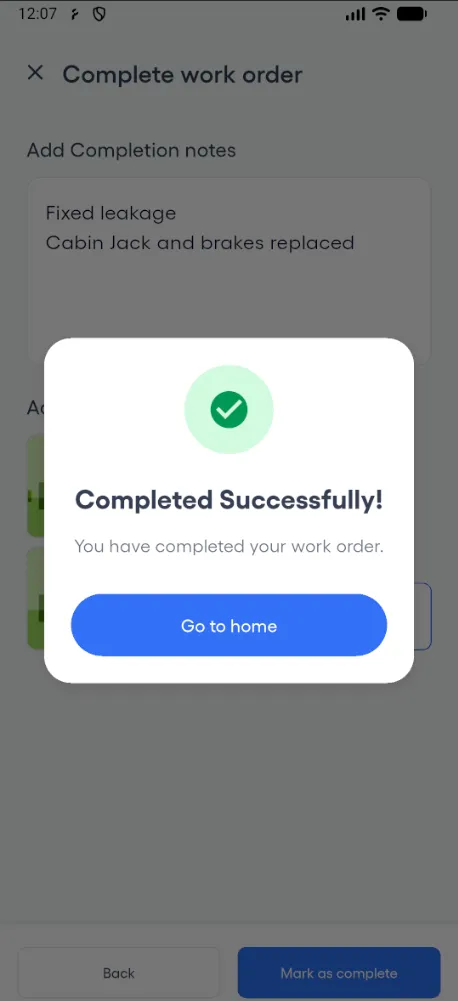
Job done — confirmed instantly
One tap and the work order is closed. Your manager sees the update in real time — no phone call, no follow-up text. The success screen confirms the job is complete.
- Instant status update visible to the entire team
- Manager notified the moment the job is closed
- Full audit trail with completion timestamp
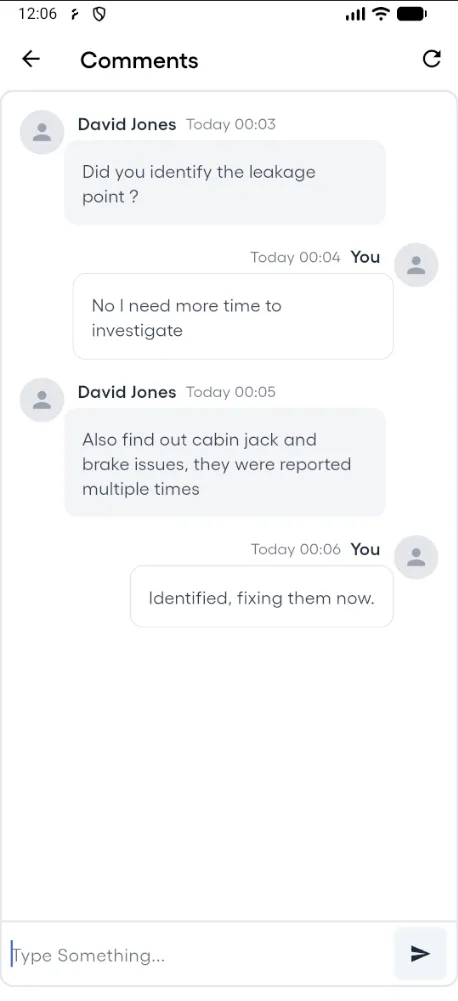
Communicate in context — not over text
Post comments directly on work orders. Your manager and team see every message with timestamps and attribution — no more scattered texts and phone calls.
- In-app comments on every work order
- Timestamps and user attribution for accountability
- Replace phone calls and text messages with structured communication