
Plumbing and electrical CMMS for every service call
Each call reaches your plumber's or electrician's phone with the customer's site and equipment, and closes with photos and a signed report.
- Free plan, no card. 14-day free trial with a card. Free data migration.
Keep the office and the van on the same job
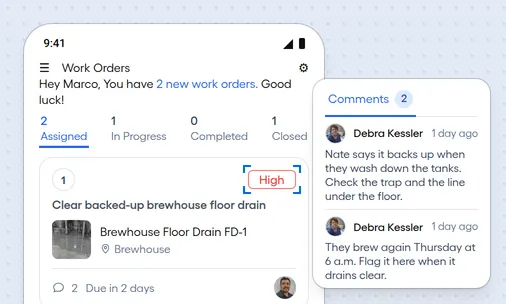
Mark an emergency High Priority, and the technician gets a push notification. Questions about the job go in its comments, not calls and texts.
- High Priority for emergencies. Flag a leak or a sparking outlet so it stands out on the technician's list.
- Comments on the job. The office and the technician post on the work order, each comment with who and when.
- On hold for a part. The technician puts the job on hold with a reason, notes, and photos while the part comes in.
Never miss a backflow test or panel scan
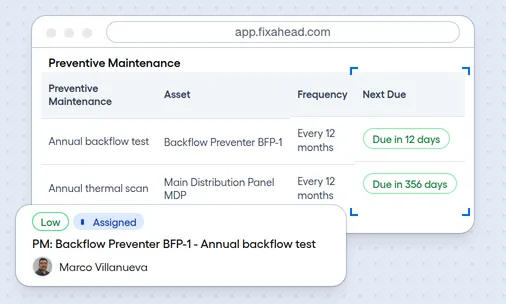
Set each customer's backflow tests and panel thermal scans to recur, and each work order arrives before it's due.
- Each test on its own equipment. Run the backflow test on the preventer and the thermal scan on the panel, each every 12 months with its own technician.
- The test's steps, required. Attach the procedure, and the technician completes its required steps and the tag photo before the job is marked complete.
Track every fitting, wire nut, and breaker
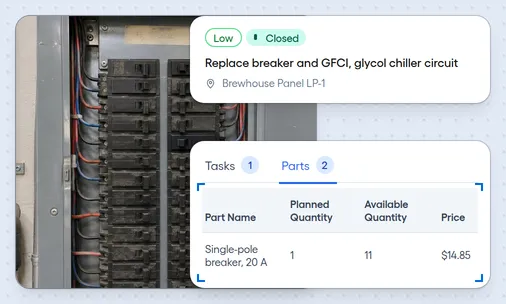
Parts planned and used go on each work order with their cost, and come off stock when the job is complete.
- Parts from the phone. The technician logs what was used before leaving the site.
- Each part's history. See who used it, and on which work order.
- Low Stock before you run out. Get an alert at each part's minimum stock.
How a five-customer plumbing and electrical contractor would run it
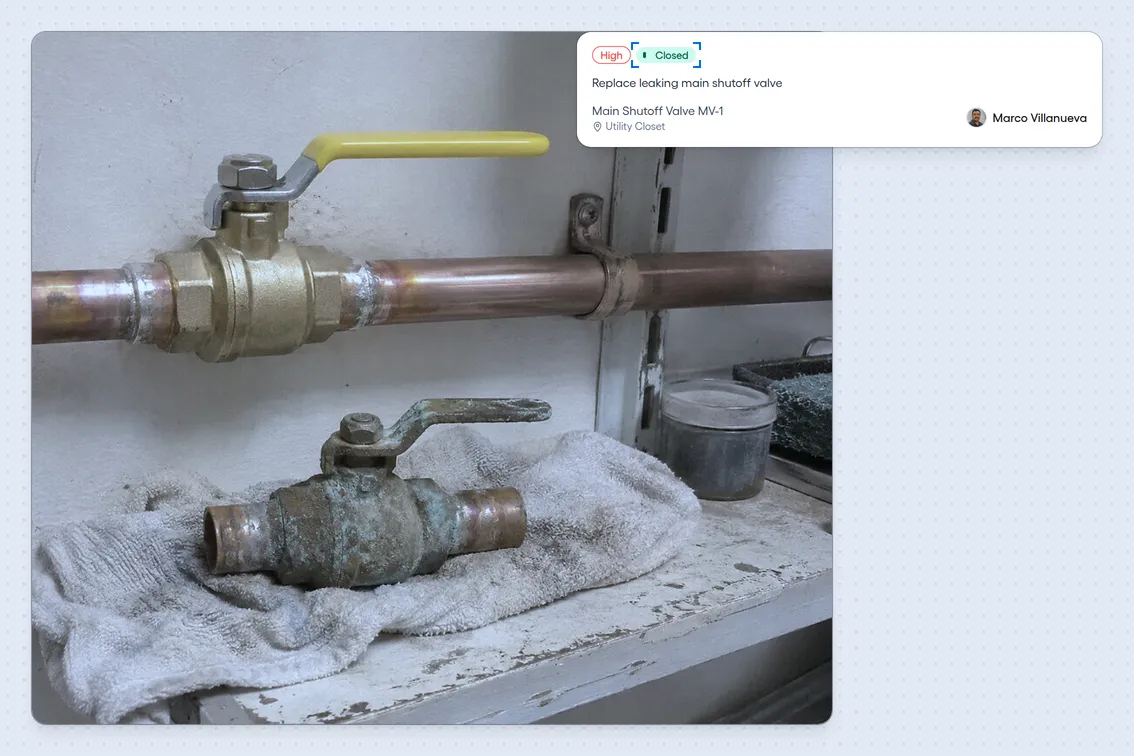
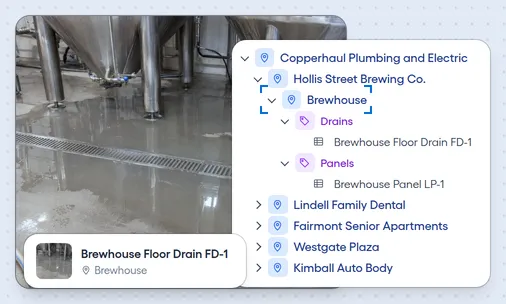
Say you run a commercial plumbing and electrical service company: you take the calls, and two plumbers and two electricians cover five customers, from a brewery and a dental office to an apartment building and a strip mall's parking lot. Each customer site and its equipment sit in the location tree, and each call goes to the technician with the right trade.
- A second technician on the job. Put an apprentice beside the plumber on a water heater swap, each named on the work order.
- Each site's work, counted. The location report gives each customer site's work orders and average hours.
How it works
A call comes in, goes to the right technician, and closes with a report the customer can open.
Step 1
The call comes in
The customer scans the QR code on the equipment and reports with a photo and no account, or you create the job.
Step 2
You assign it
Pick the plumber or electrician, the due date, and the priority.
Step 3
The technician does the job
They work it on Android, adding photos, notes, and the parts used.
Step 4
The customer gets the report
Share the signed report by link, or send the work order as a PDF.
Questions plumbing and electrical contractors ask before they start
Do I pay for every technician?
Not when you pay by assets: users have no limit, so all your technicians get logins.
Can you load our customers' equipment?
Yes. Send us your spreadsheet and we load it free, or import it from the asset template and see each flagged row before it loads.