Let anyone report problems — no account required
Verbal reports get lost. Tenants can't log into your CMMS. You need a simple way for anyone — staff, tenants, guests — to flag maintenance issues without accounts or training.
Public QR code reporting — simple for anyone
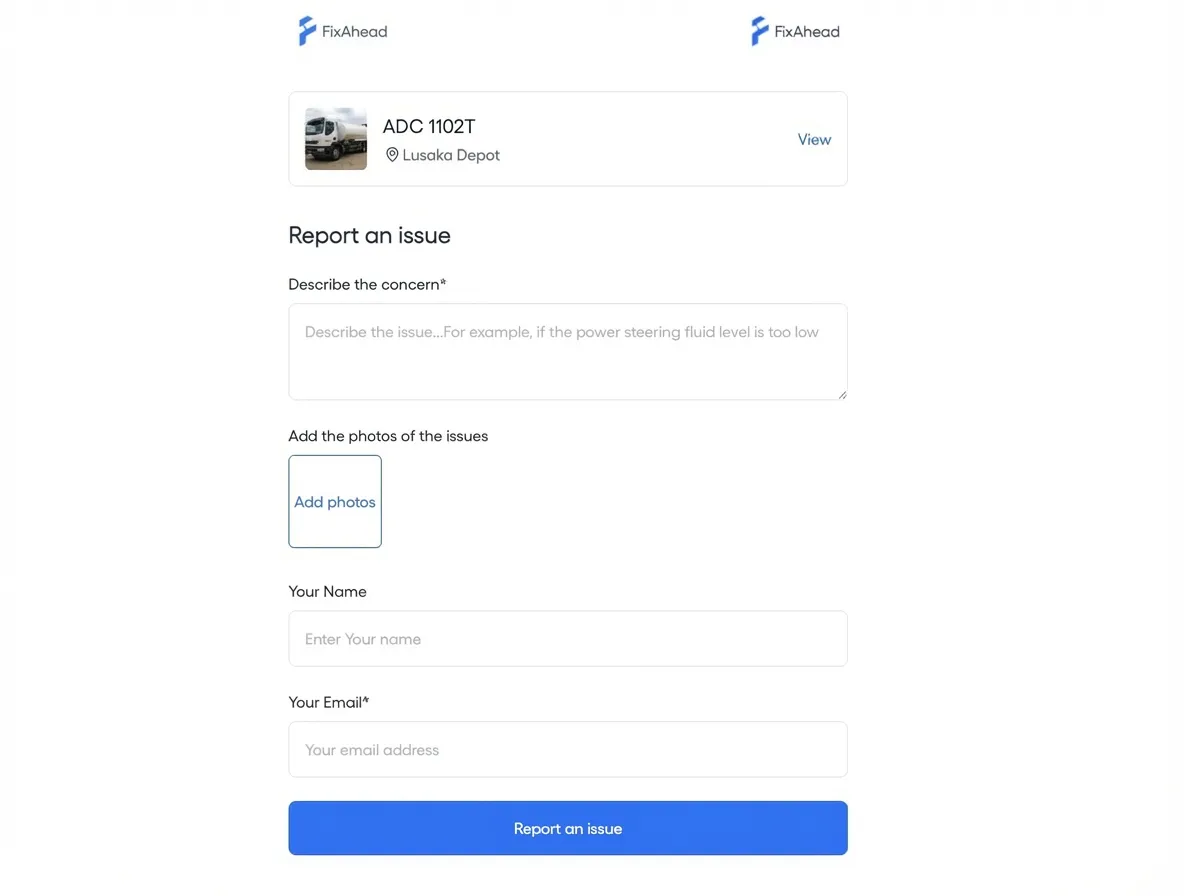
Print QR codes and place them on equipment, rooms, or common areas. Anyone scans to report an issue — no account, no app download. The report lands directly in your CMMS with location and asset context.
- No account or app required for reporters
- Each QR code sends its report to the right asset and location
- Photos and a description with each report
Kanban board for triage
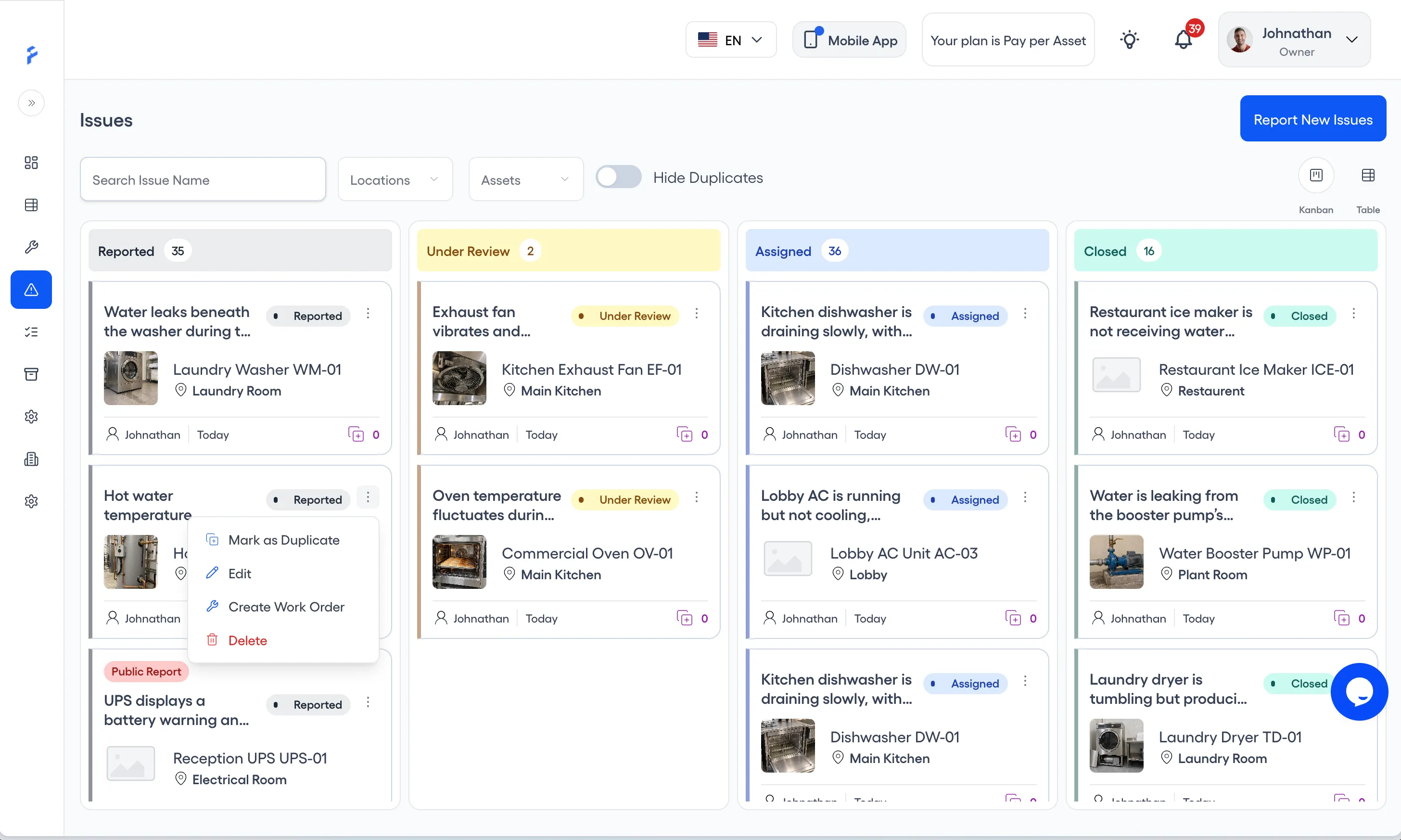
See all reported issues on a visual Kanban board. Drag cards between columns to triage. Assign and track resolution — all from one view.
- Visual drag-and-drop Kanban columns
- Triage by status: Reported, Under Review, Assigned, or Closed
- Filter by location, status, or reporter
Duplicate management and work order conversion
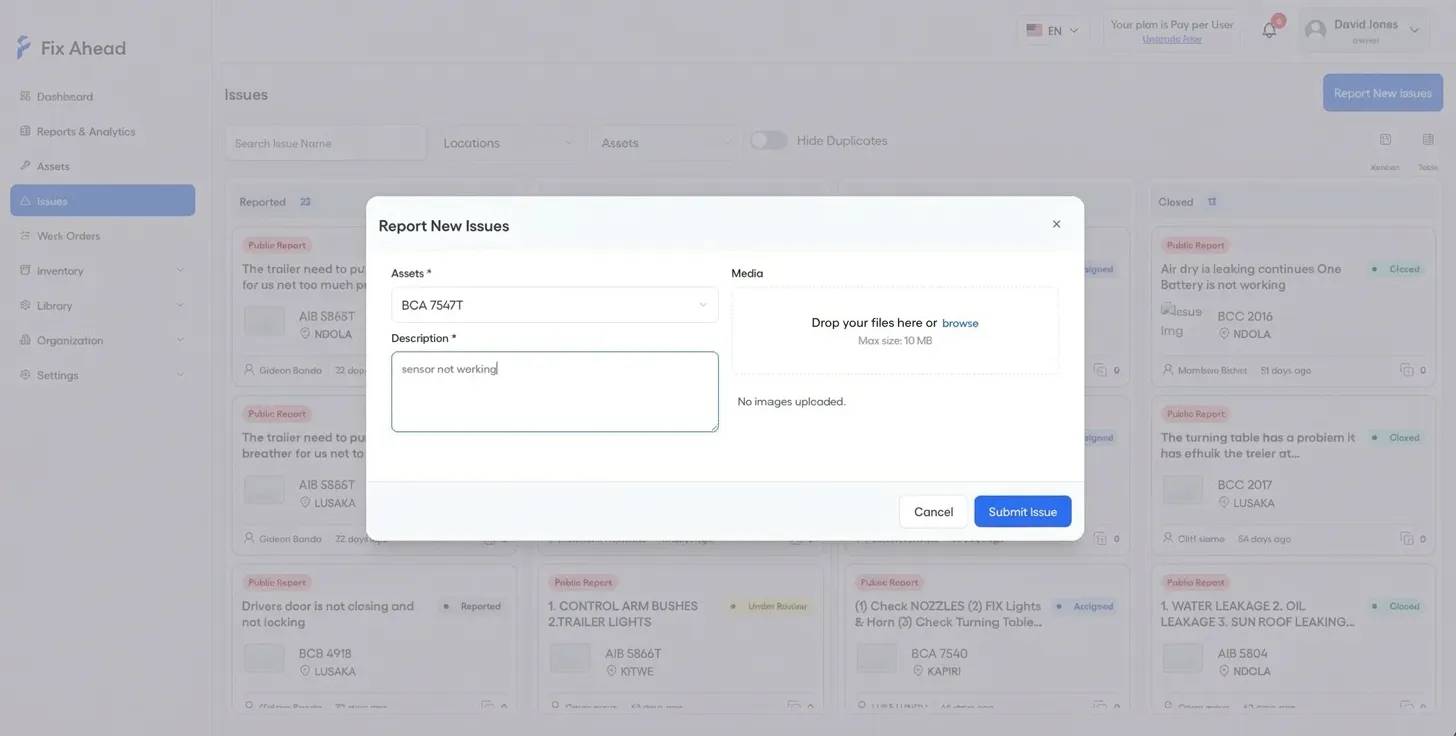
Mark duplicate reports to reduce noise. When an issue needs action, choose Create Work Order in its card menu, then complete the Work order and Assignment steps — the asset and issue are already filled in.
- Create Work Order from an issue's card menu
- Mark duplicate reports
- Photos, description, and reporter details kept on the work order
- A warning when an issue is already on another work order
Who can report, and how
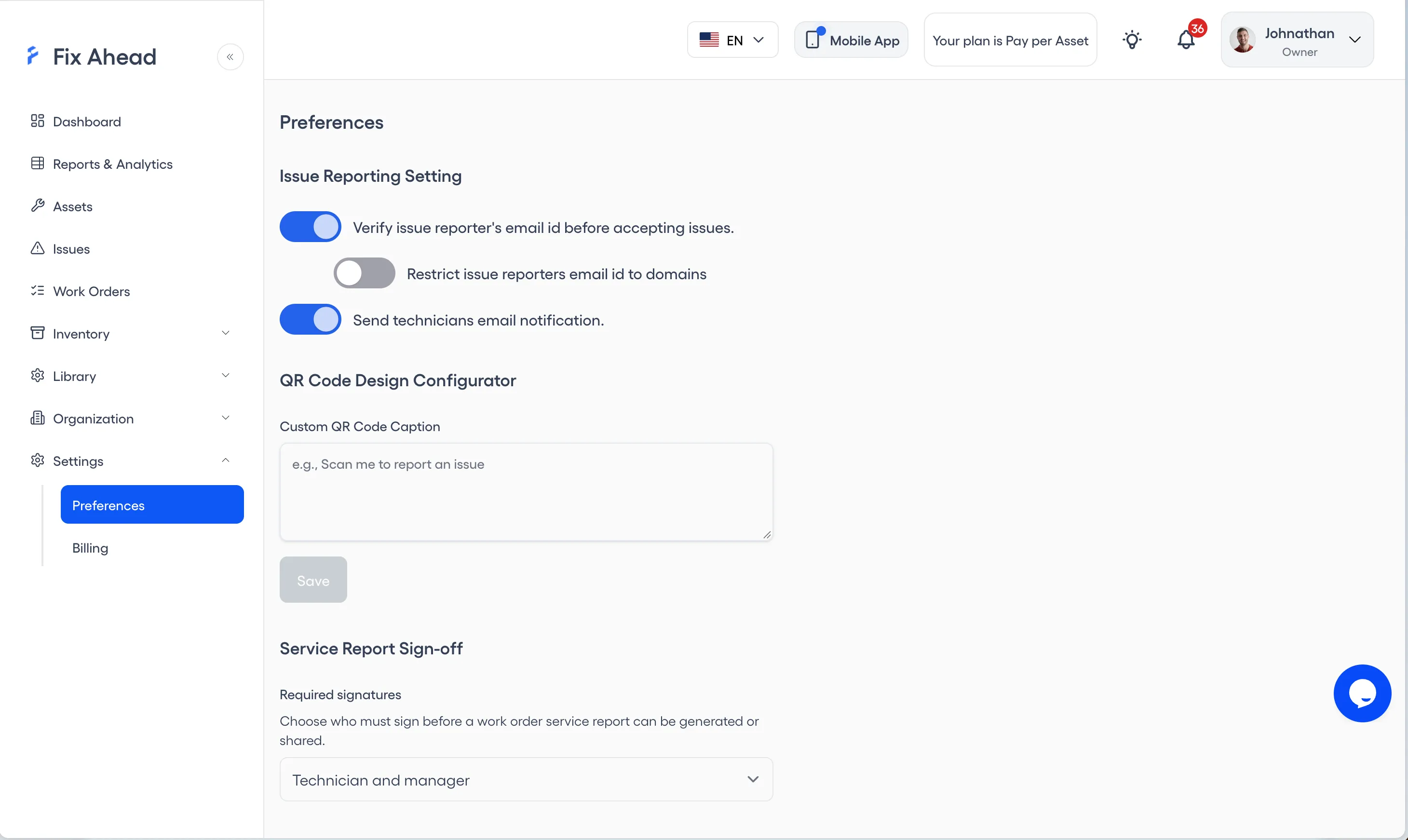
Control who can report and how. Enable email verification, then limit reports to the email domains your account lists.
- Email verification for reporters, switched on or off
- Limit reporting to listed email domains, once verification is on
- Branded QR labels with asset name and location
See linked issues from the field
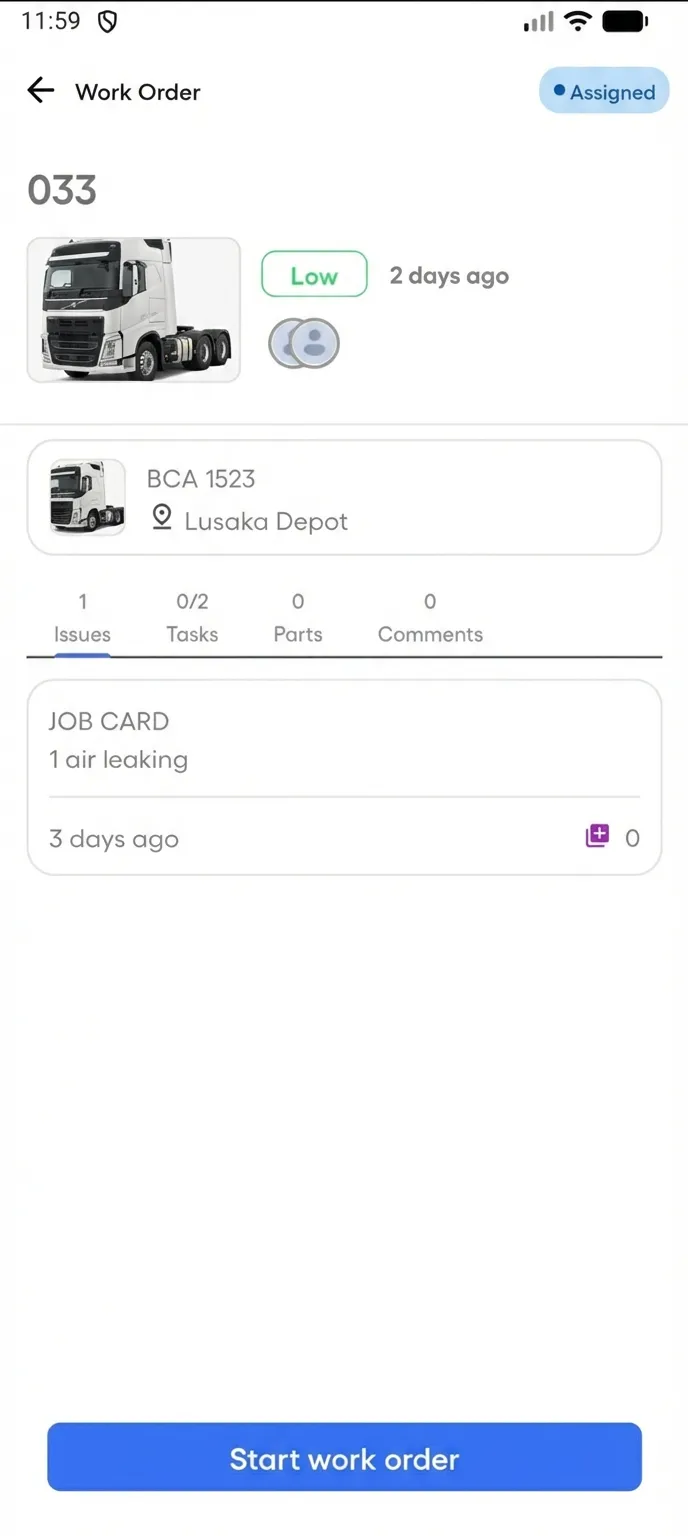
Technicians view issues linked to their work orders directly on the mobile app. The description, photos, and reporter details are on site before they start work.
- Issues tab on every work order shows linked reports
- Reporter details and photos visible on mobile
- Duplicate flags prevent redundant work