Hospital Maintenance Software
Maintain compliance with documented history, procedure checklists, and calibration tracking.
Free forever, no card needed
Device-specific data for every asset category
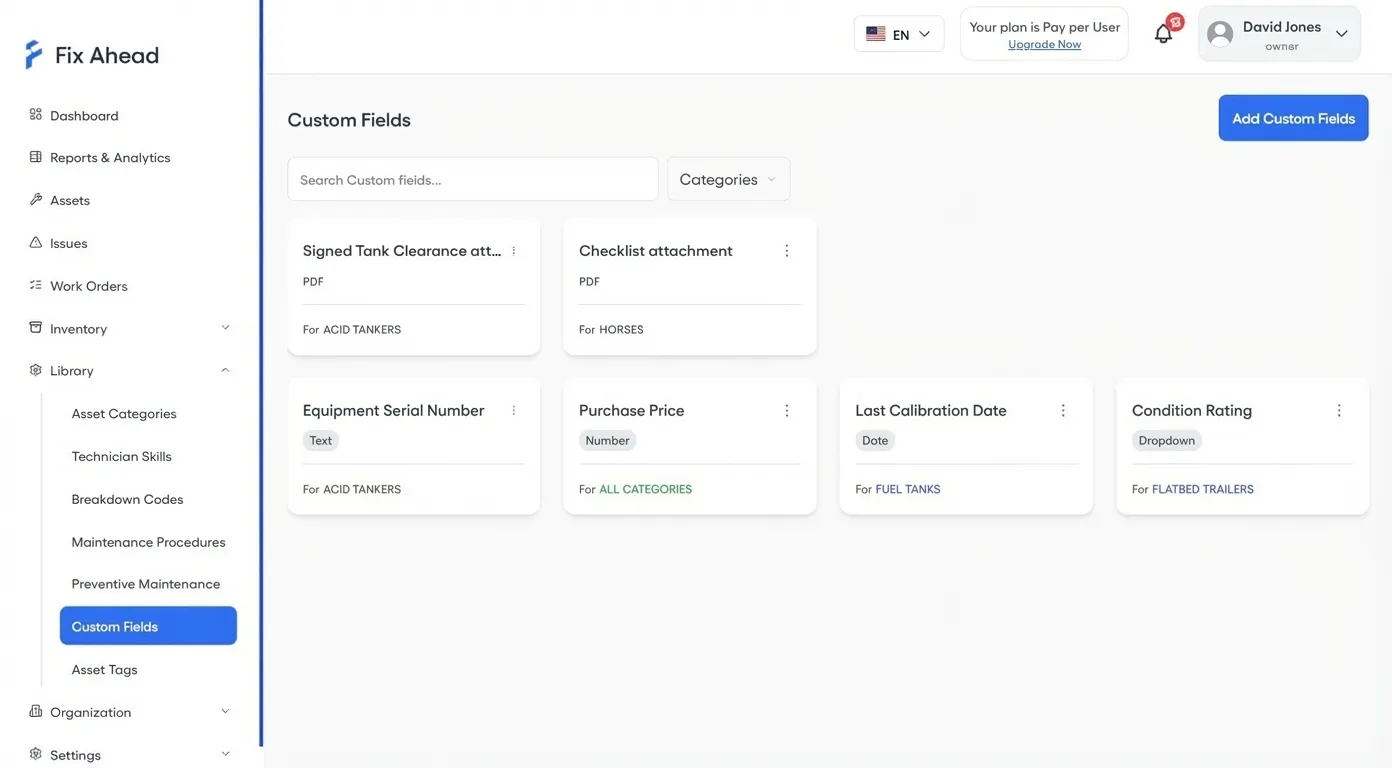
Add FDA classification, calibration date, next inspection due, and compliance standard as custom fields (Pro) — set for each asset category so forms stay relevant.
- 9 custom field types including PDF uploads for certificates
- Set for each category — medical devices get different fields than HVAC
- Store warranties, licenses, and calibration certificates per asset (Pro)
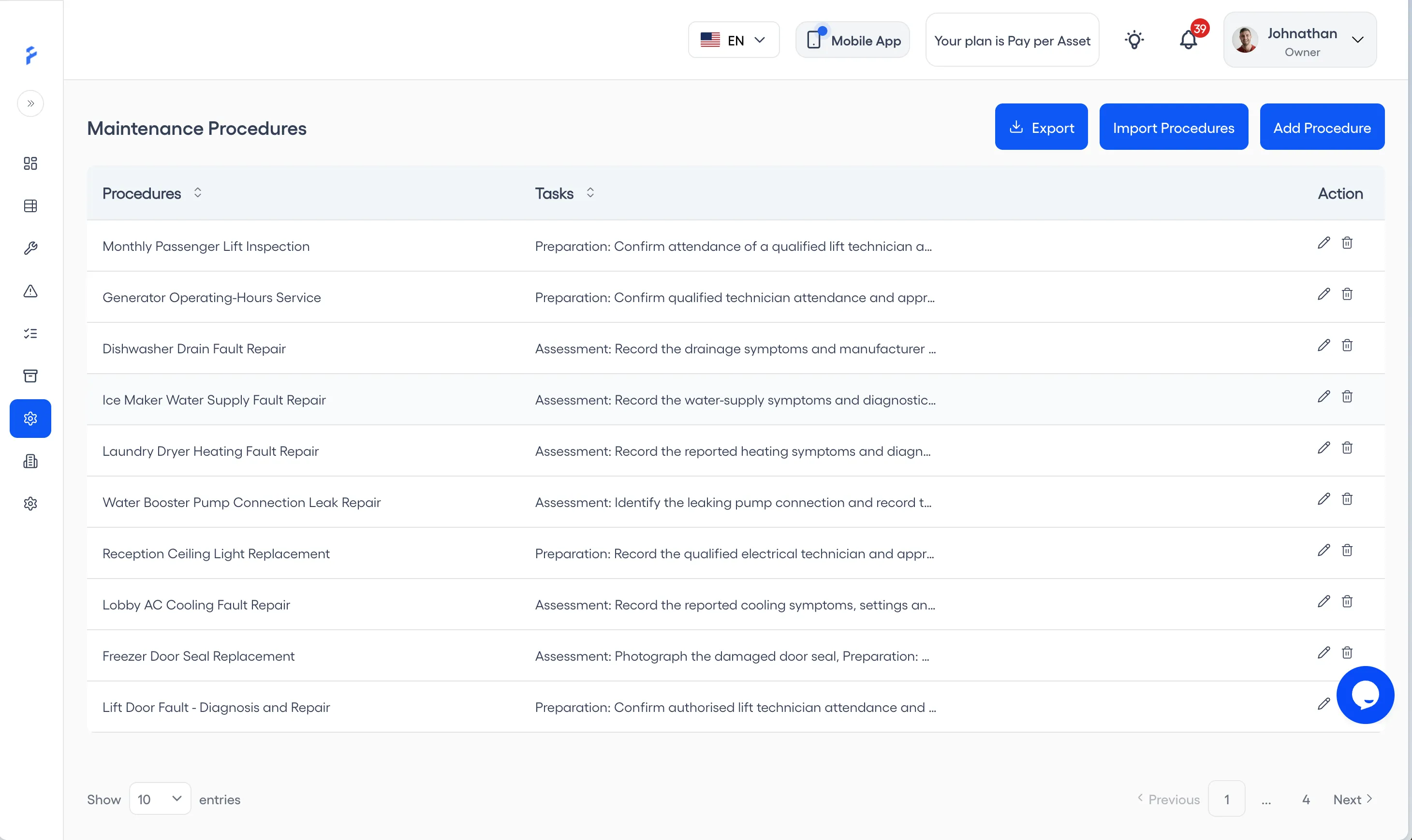
Standardized maintenance procedures (Pro) with evidence
Define step-by-step procedures for every maintenance task. Technicians follow checklists and capture photo evidence, and each work order keeps a timeline with the time of every step.
- Reusable procedure templates with required tasks
- Steps that need a photo, for compliance records
- Work order timelines with times, for inspectors
Organize assets by department and location
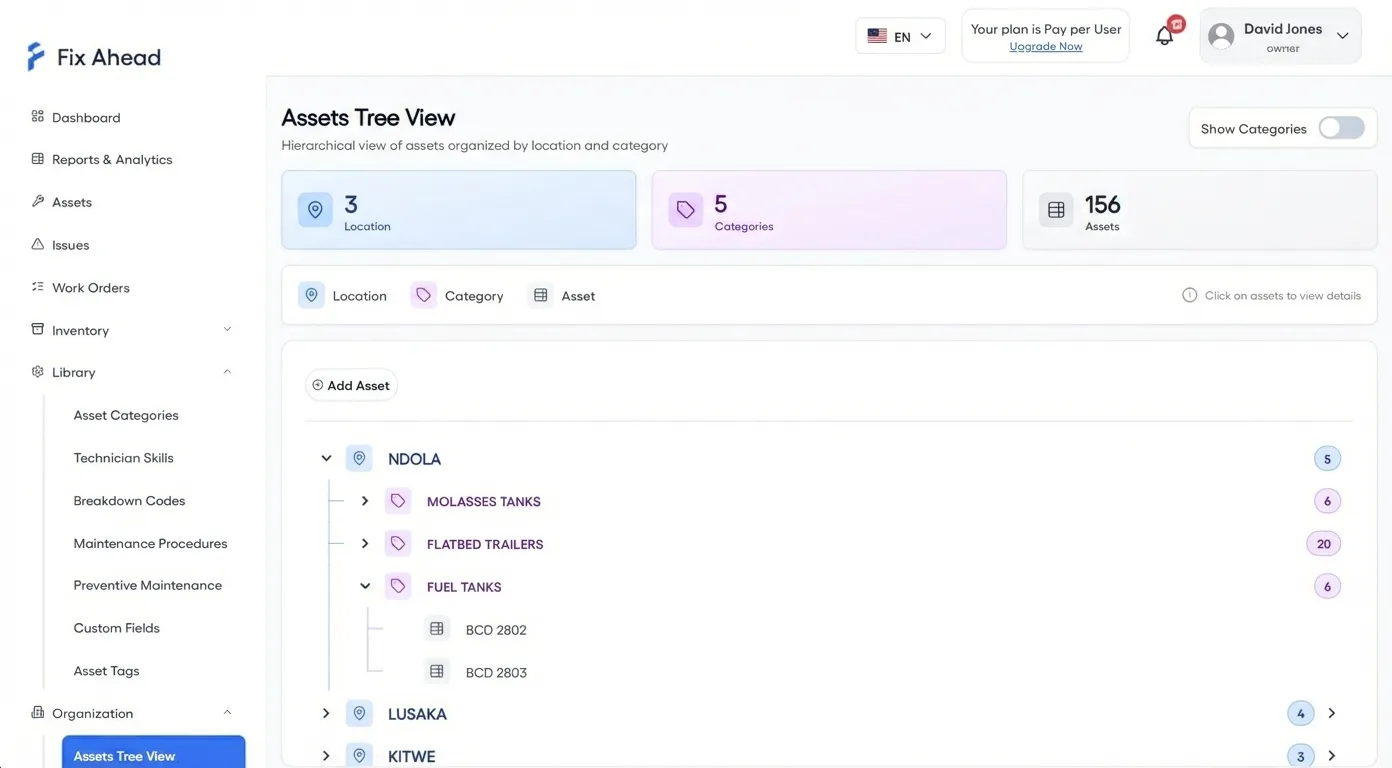
Model your hospital as building, department, floor, and room. Every asset belongs to a location, and the dashboard can filter by it — making department-level audits simple.
- Any number of levels, for complex hospital structures
- Asset tree view organized by department
- Filter the dashboard by location for targeted audits
Document compliance from the point of care
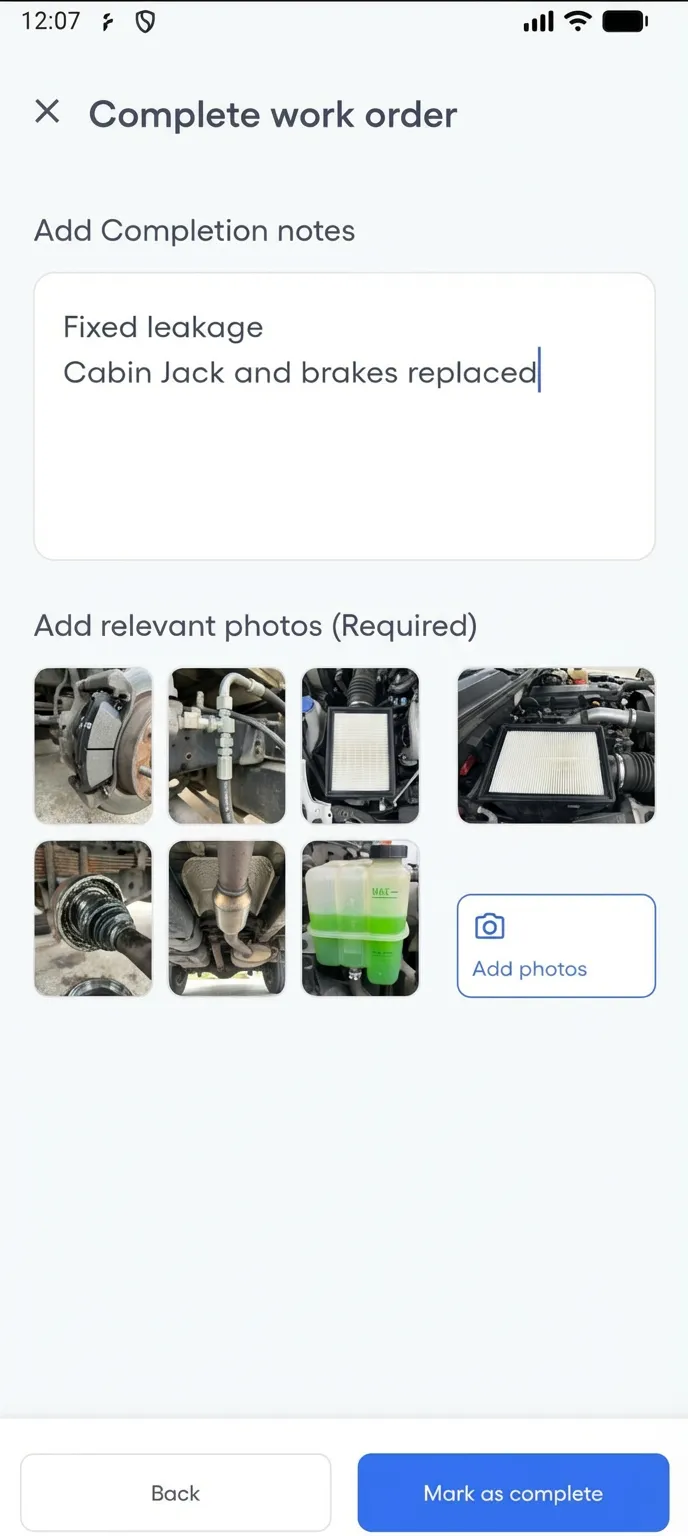
Biomedical technicians complete maintenance procedures on their phones — following guided checklists and capturing photo evidence of calibration, sterilization, and inspection work. Each task and each completion shows its time on the work order. In the Android app, with no connection, a technician can complete calibration, sterilization, and inspection tasks on an assigned work order, add a photo, and it all syncs once the connection is back.
- Photo evidence attached to procedure tasks
- Completion notes document exactly what was done
- Work order timelines with times, for regulatory auditors
Technicians see only the work orders assigned to them
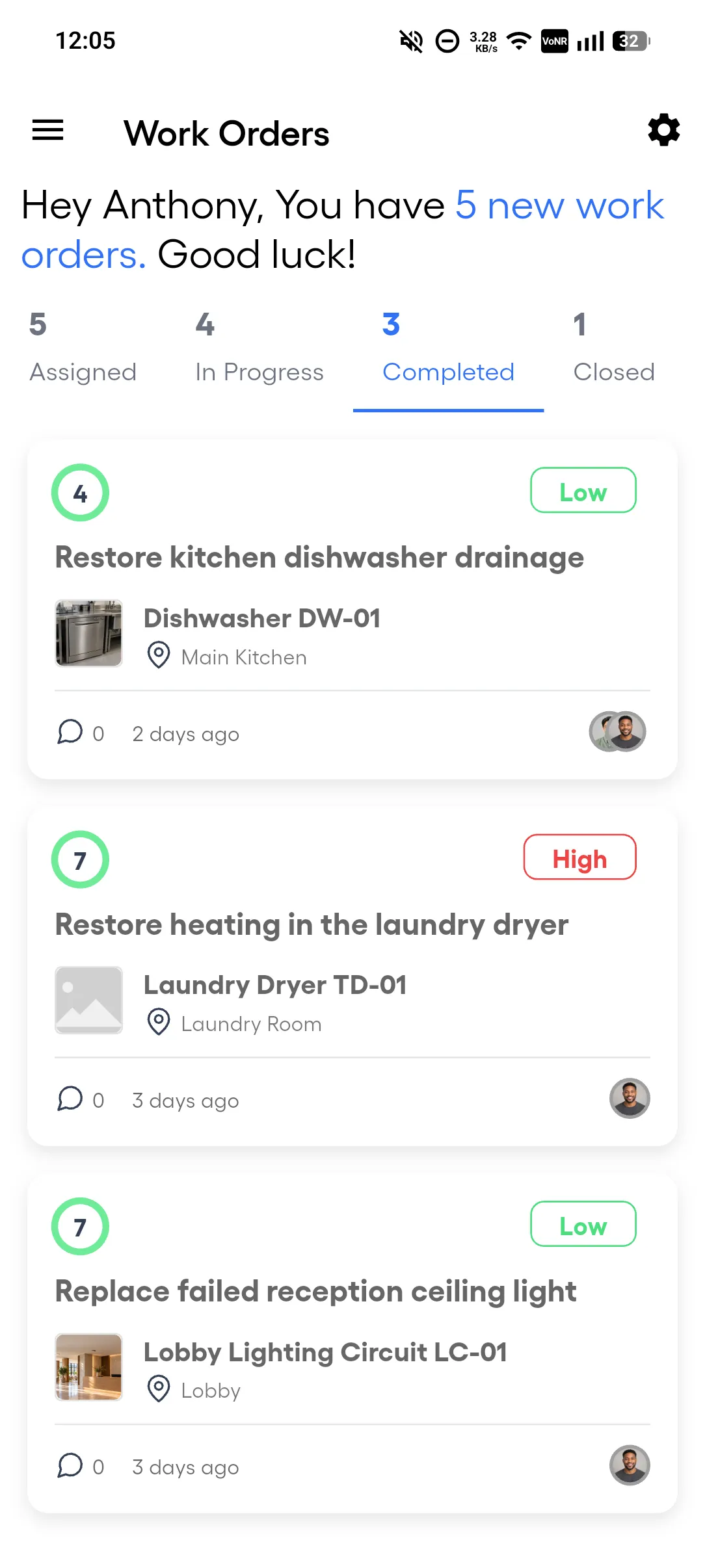
Each technician's app shows only the work orders assigned to them, in status tabs, with priority and due date on each. No confusion about whose job is whose, no accidental changes to other departments' equipment.
- Role-based access controls what each technician sees
- Four status tabs: assigned, in progress, completed, closed
- Push notifications for new assignments
Medical Equipment Compliance & Maintenance
A hospital manages 500+ medical devices across departments. Every device stores warranties, calibration certificates, and user manuals with expiration date tracking. Manufacturer-recommended maintenance intervals auto-generate work orders with procedure checklists.
- Pull complete maintenance history per device for auditors
- Every work order tracks type, cost, downtime, and assigned technician
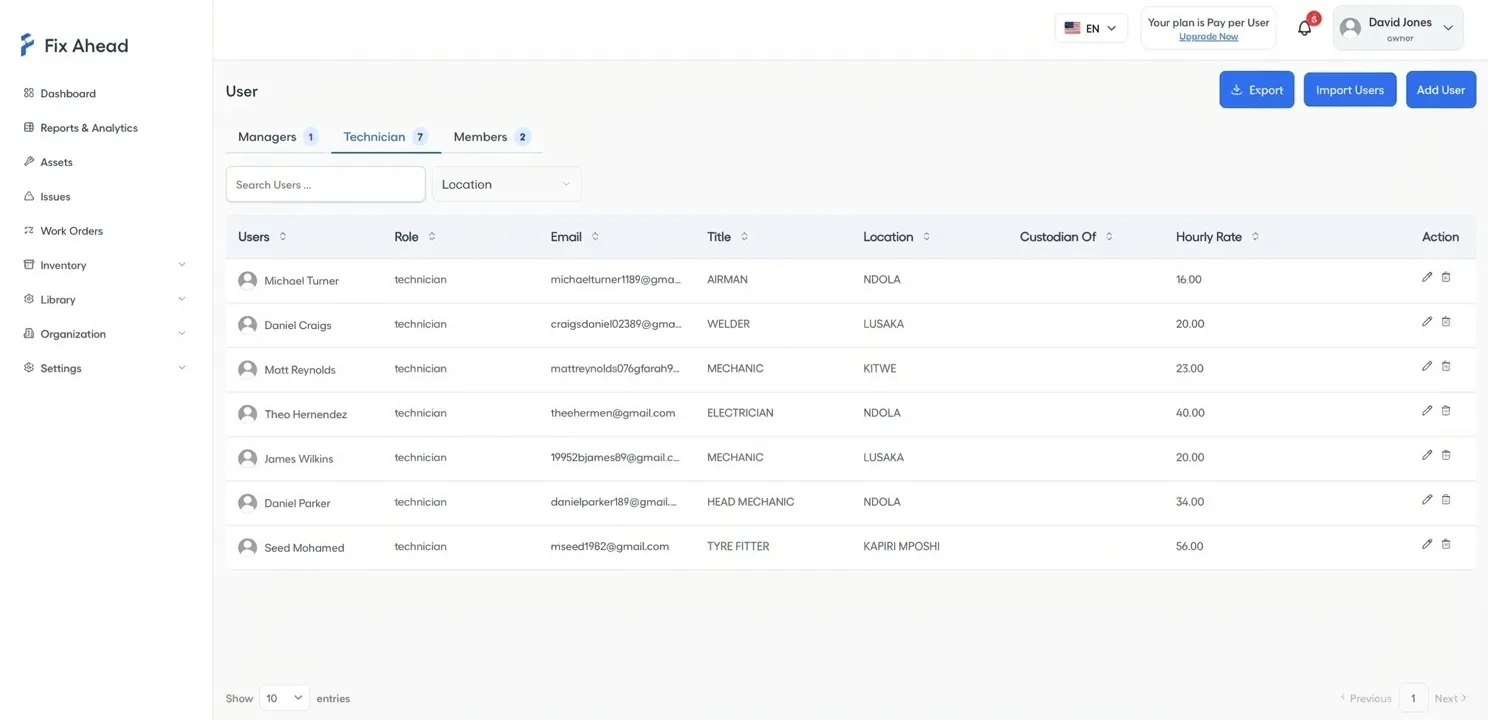
- Role-based access: technicians see their work orders, compliance officers can only view
Free maintenance templates
Annual maintenance schedule
Recurring maintenance for common building equipment, by frequency and month.
Asset register
The equipment and assets a site holds, with each one's location, category, custodian and tags.
Cleaning checklist
Routine cleaning of a building's common areas, from each workday to once a year, by area.
Elevator checklist
An owner's checklist for the emergency communication test and the fire-service test, with the records to keep. Local rules govern the rest.
Work order form
One work order from request to completion, with time, parts and any charge to the occupant.