See what's really happening with your maintenance
Without data, every decision is a guess. You need answers: which assets fail most, what maintenance costs, whether PMs are on track, and how your team's workload is distributed.
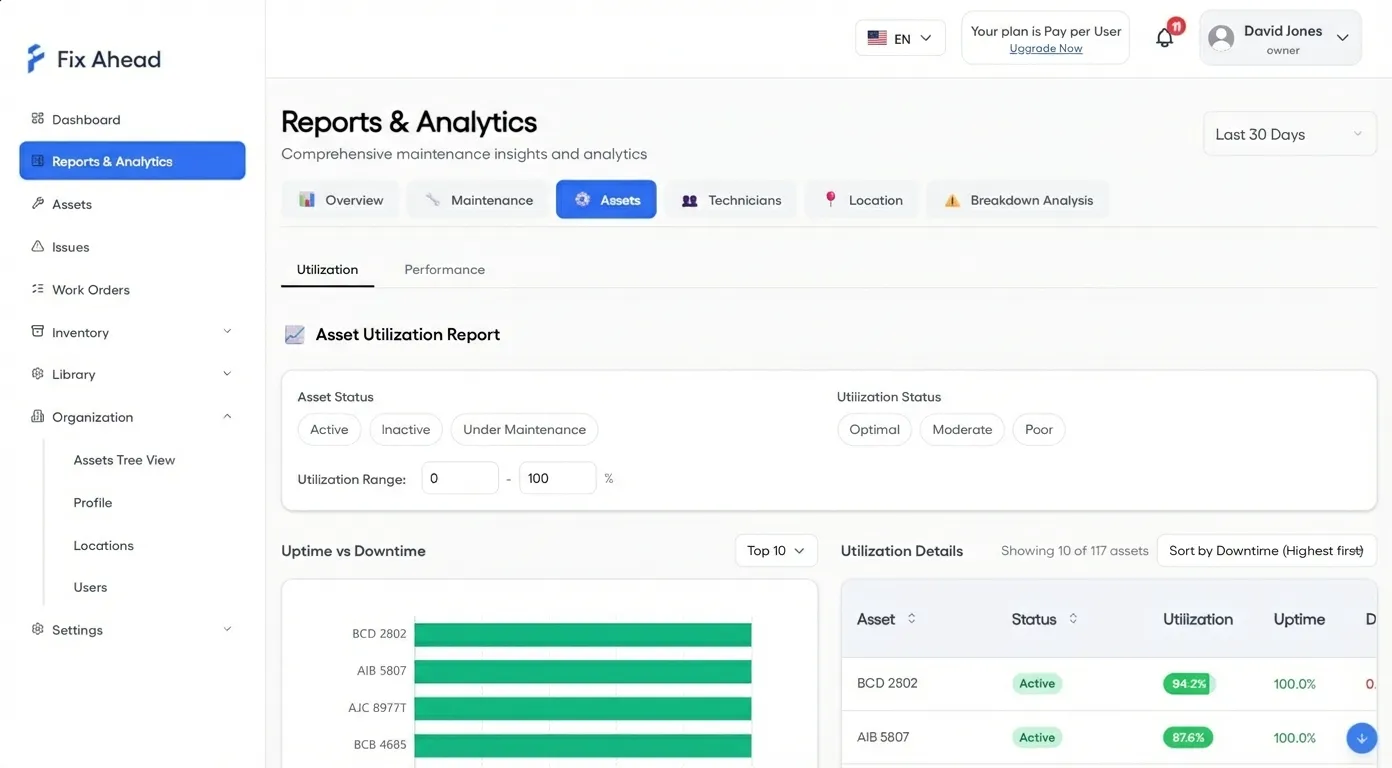
Asset reports: utilization, reliability, and history (Pro)
Track uptime and downtime for every asset. Measure reliability with MTBF and MTTR metrics. View complete maintenance history with timeline drill-down.
- Asset utilization, split into uptime and downtime
- MTBF (Mean Time Between Failures) per asset or category
- MTTR (Mean Time To Repair) per asset
- Full asset maintenance history with cost totals
- "How this is calculated" explanations on reports
Maintenance reports: PM compliance, work orders, breakdowns (Pro)
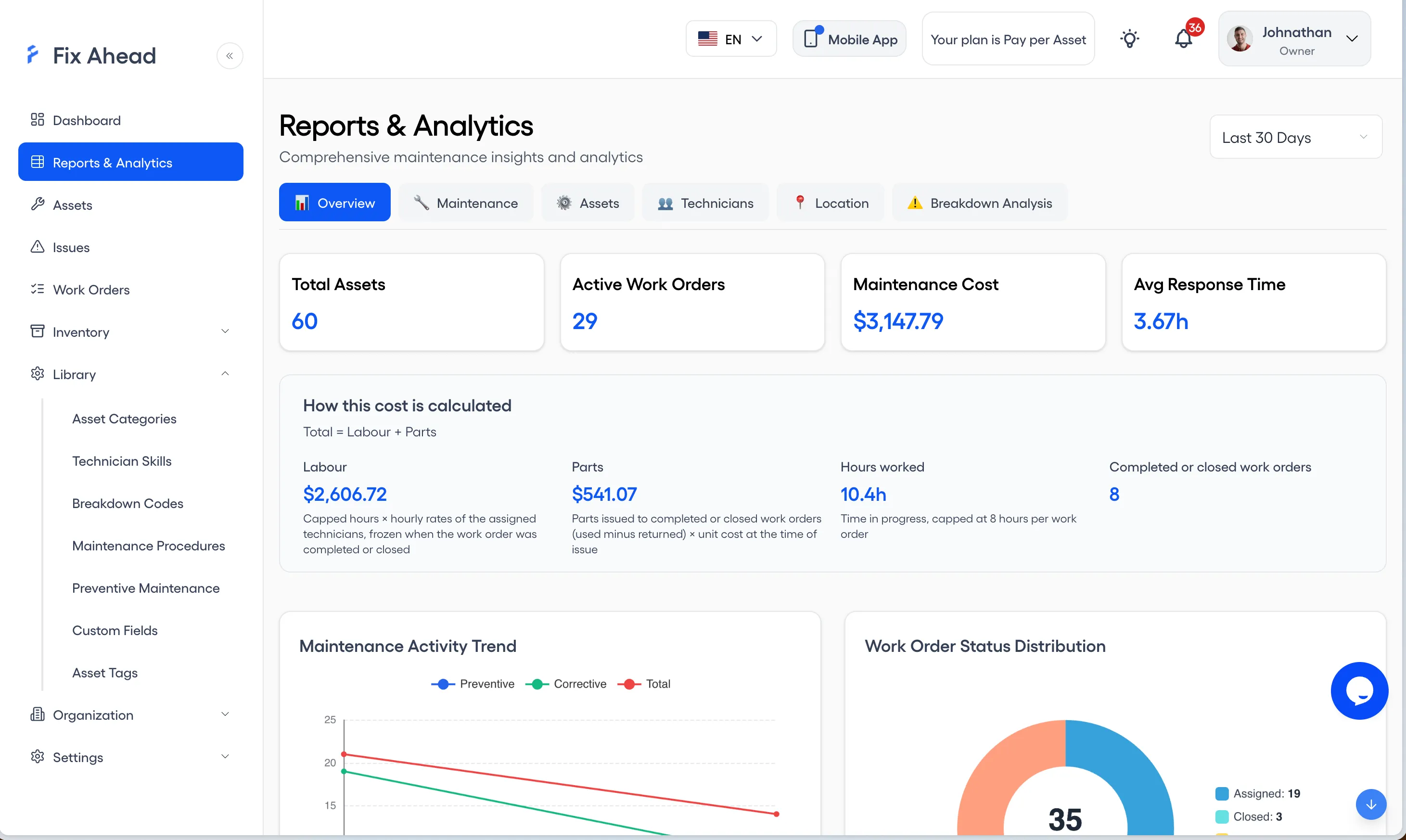
Track preventive maintenance compliance rates. See work orders by status, priority, and type. Sort breakdowns by root cause to eliminate recurring failures.
- PM compliance percentage for each asset
- Work order summary by status
- Breakdowns sorted by root cause
- Cost reports by asset, location, or time period
- Maintenance cost split into labor and parts, with hours worked
Team reports: technician workload and location analysis (Pro)
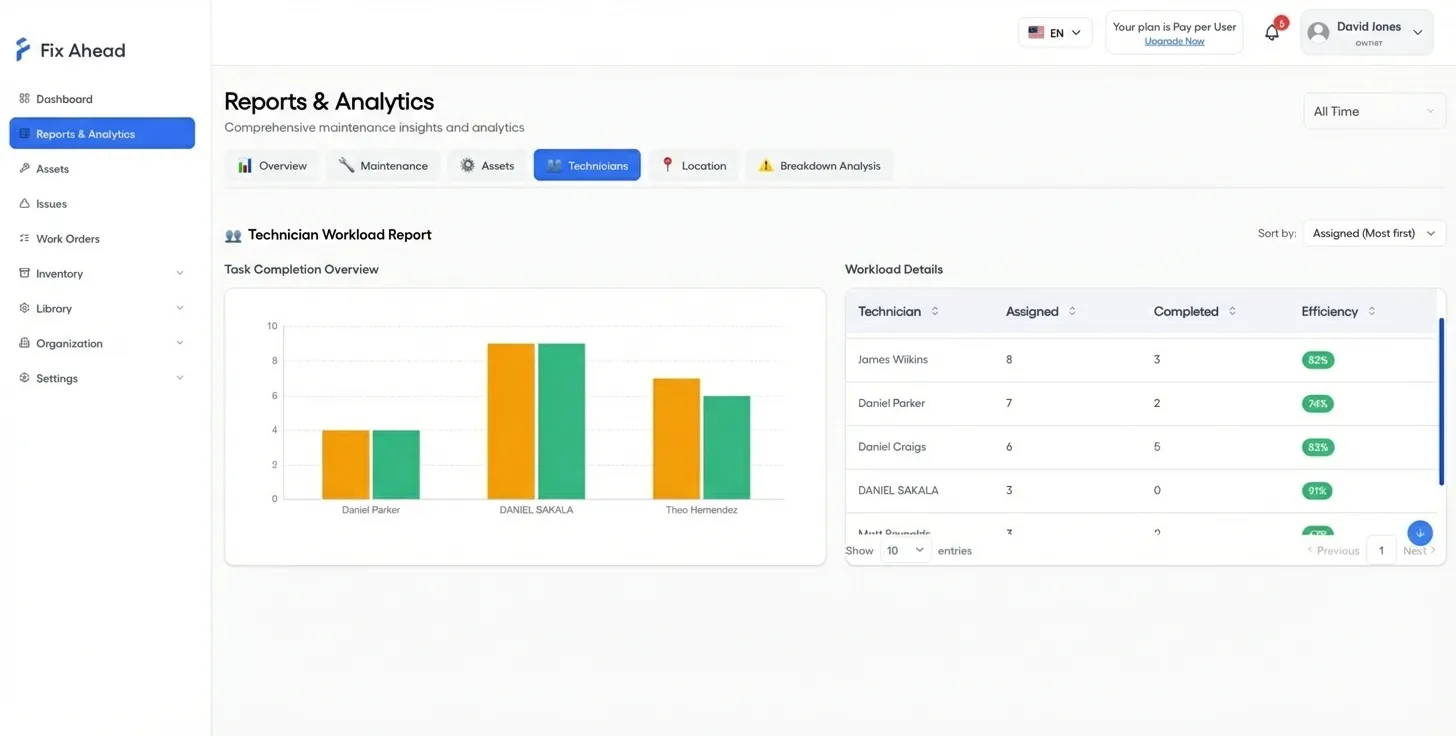
See how work is distributed across your team. Break down maintenance activity by location for multi-site operations.
- Technician workload distribution chart
- Completion rates and average resolution times per technician
- Maintenance activity reports by location
Dashboard overview
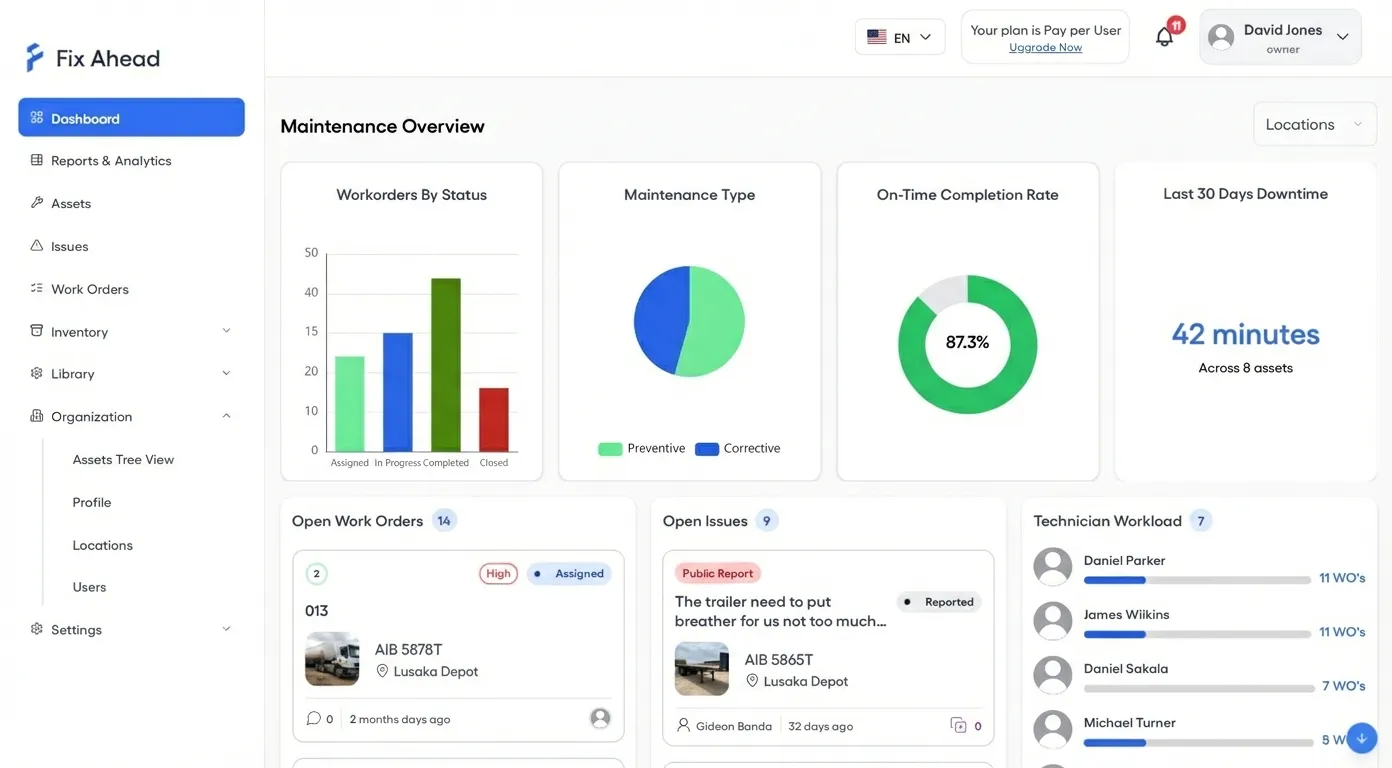
Your maintenance command center. See work order status, on-time completion rate, open issues, and technician workload — all filterable by location.
- Work order status bar chart and maintenance type breakdown
- On-time completion rate KPI
- Open issues and technician workload at a glance
- Location filter for multi-site operations
- MTBF and MTTR reliability figures
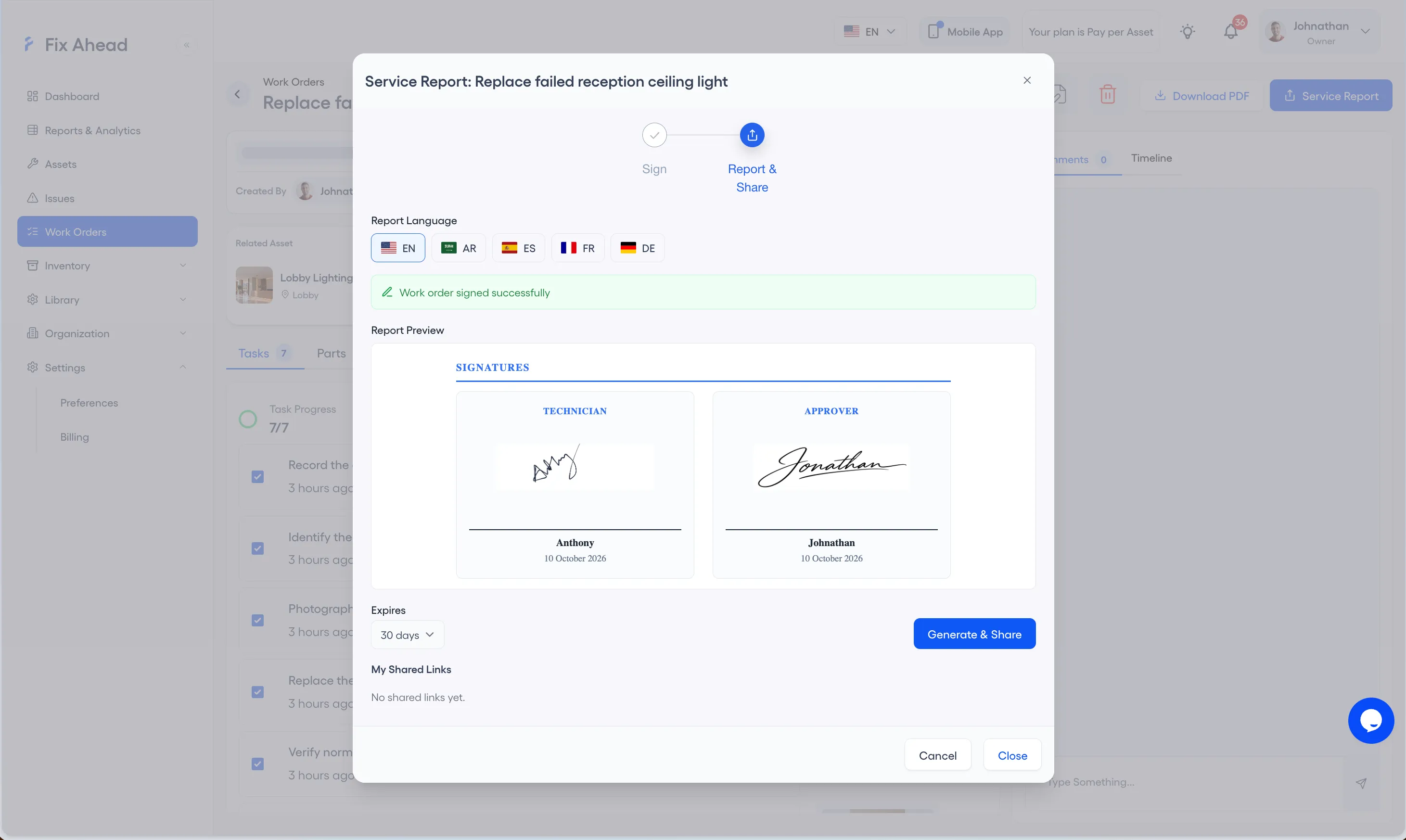
Export (Pro) and share with stakeholders
Every report exports to PDF, Excel, or CSV with one click. Share maintenance data with management, auditors, or finance — in the format they expect, without manual formatting.
- Export any report to PDF, Excel, or CSV
- Formatted exports ready for management review
- Date range and filters kept in exports
- Audit-ready documentation for compliance requirements