How records get into and out of FixAhead
Bring assets, parts, users, and procedures in from a spreadsheet, and take every list out to Excel. Work orders reach people as prints, shared report links, and email notifications.
Import from a spreadsheet
Load assets, parts (Pro), users, and procedures (Pro) from a CSV or Excel file.
Get the asset register template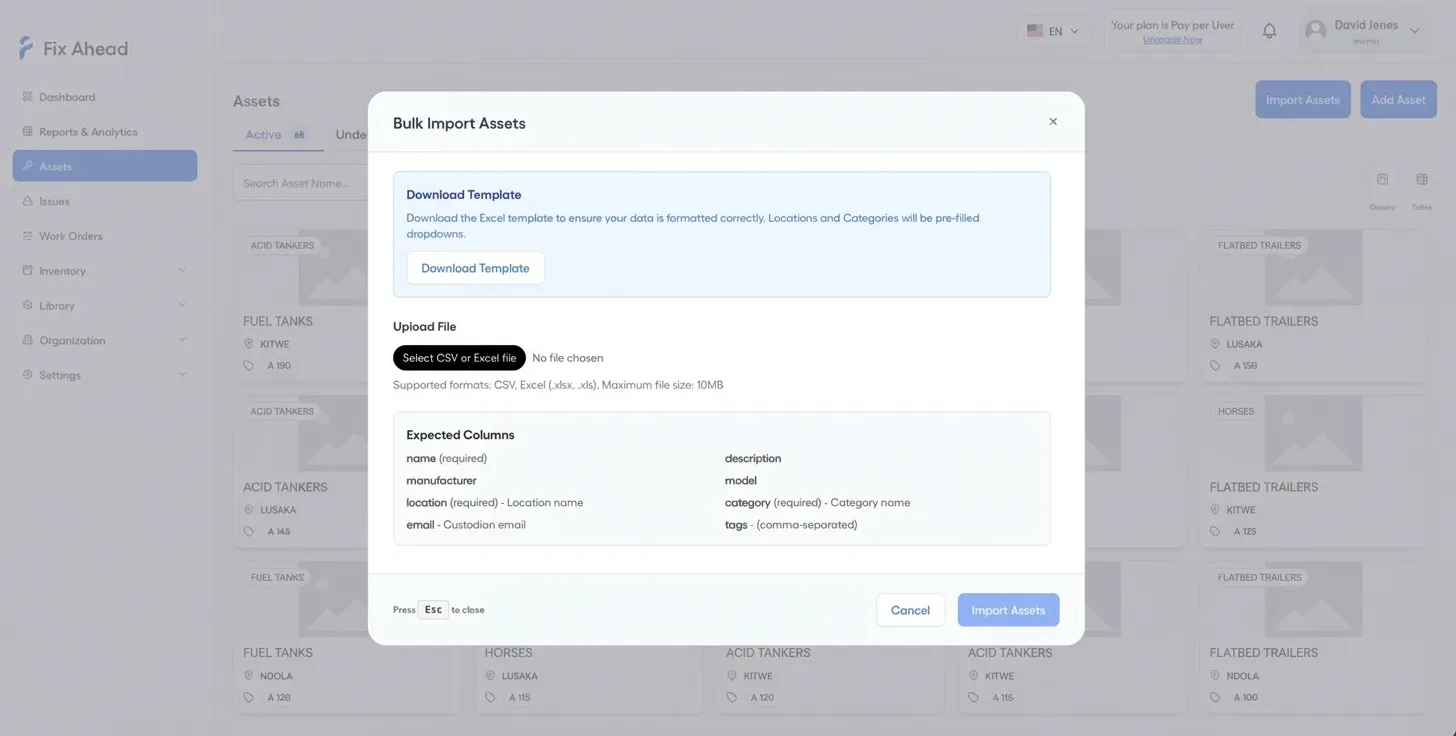
Report issues by QR code
QR codes on assets and locations open public issue reporting, and anyone who scans one can report a problem without an account. In Settings, Preferences, email verification for reporters can be switched on.
Learn more about Issue Tracking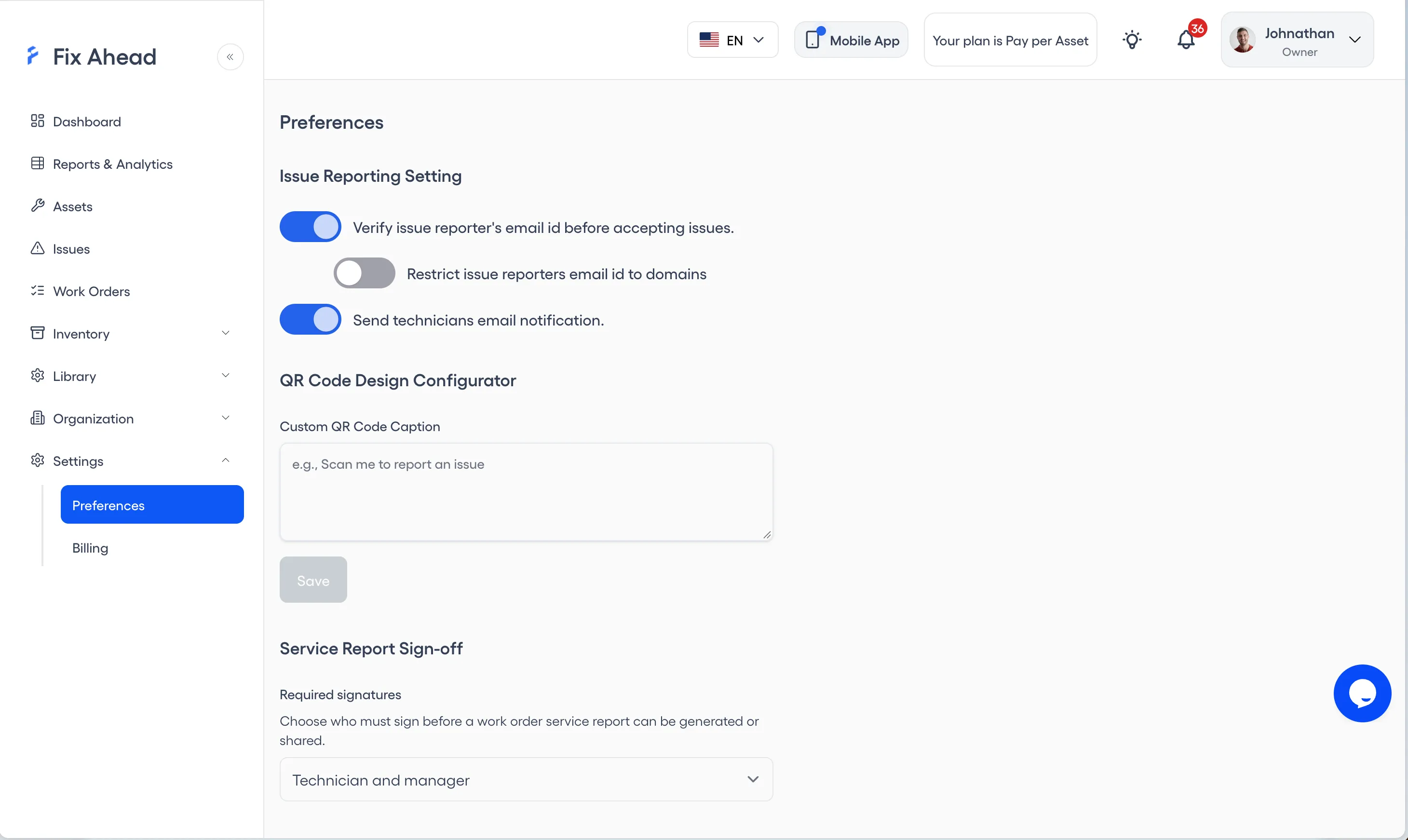
Sign in with Google
Sign in to FixAhead with your Google account.

Getting records out
Excel export
Export every list from FixAhead to Excel. More on Reporting
Email notifications
Work orders send email notifications. More on Work Orders
Printing
Print work orders from FixAhead. More on Work Orders
Shared report links
Share a work-order report by link, and someone outside your account can sign it. More on Work Orders