FixAhead vs Enterprise CMMS
An enterprise platform earns its cost at 10,000+ assets across dozens of facilities, or with deep ERP/SCADA integration. Below that, most of it is capability you carry and never turn on.
When an enterprise platform is the right choice
If you manage 10,000+ assets across dozens of facilities, require deep ERP/SCADA integration, need a dedicated account manager under an SLA, or meet regulatory requirements through vendor-supplied compliance templates — an enterprise platform earns what it costs.
Feature-by-feature comparison
FixAhead against an enterprise platform that is priced by quote and run by IT.
| Feature | FixAhead | Enterprise CMMS |
|---|---|---|
| Free plan to start | ||
| Setup in under 5 minutesNo implementation project to schedule | ||
| No IT department required | ||
| Transparent, public pricingFree and Pro prices on the page; no sales call to see them. | ||
| QR code public issue reporting | ||
| Pay per asset OR per user, whichever is cheaper | ||
| Preventive maintenance scheduling | ||
| Work order management | ||
| Location tree and asset lifecycle | ||
| Inventory and parts tracking | ||
| Custom fields and procedures | ||
| Reporting and analytics | ||
| Mobile app included freeNative Android app in every plan, no per-seat fee | ||
| Deep ERP/SCADA integration | ||
| Dedicated account manager | ||
| Industry compliance packagesPre-built regulatory templates for specific industries | ||
| Unlimited customizationFixAhead covers 9 custom field types per category |
Features included without per-module pricing
Technician skill matching (Pro), procedure checklists (Pro), PM scheduling, 11 report types (Pro), inventory tracking (Pro) — all included. No per-module pricing, no feature add-ons, no hidden costs.
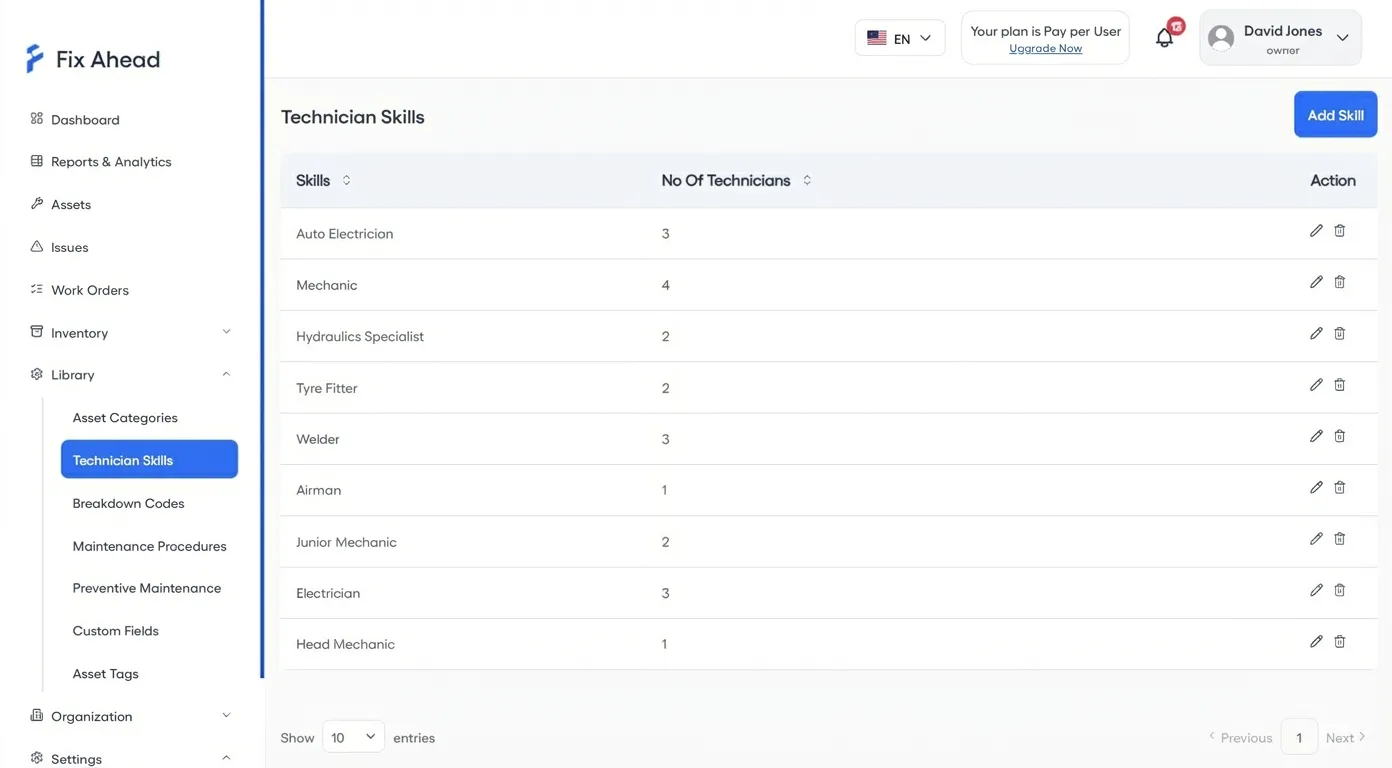
- Technician skills registry with smart assignment
- Maintenance procedures with step-by-step checklists
- 11 built-in reports including MTBF/MTTR
- Inventory tracking with 25 unit types and reorder alerts
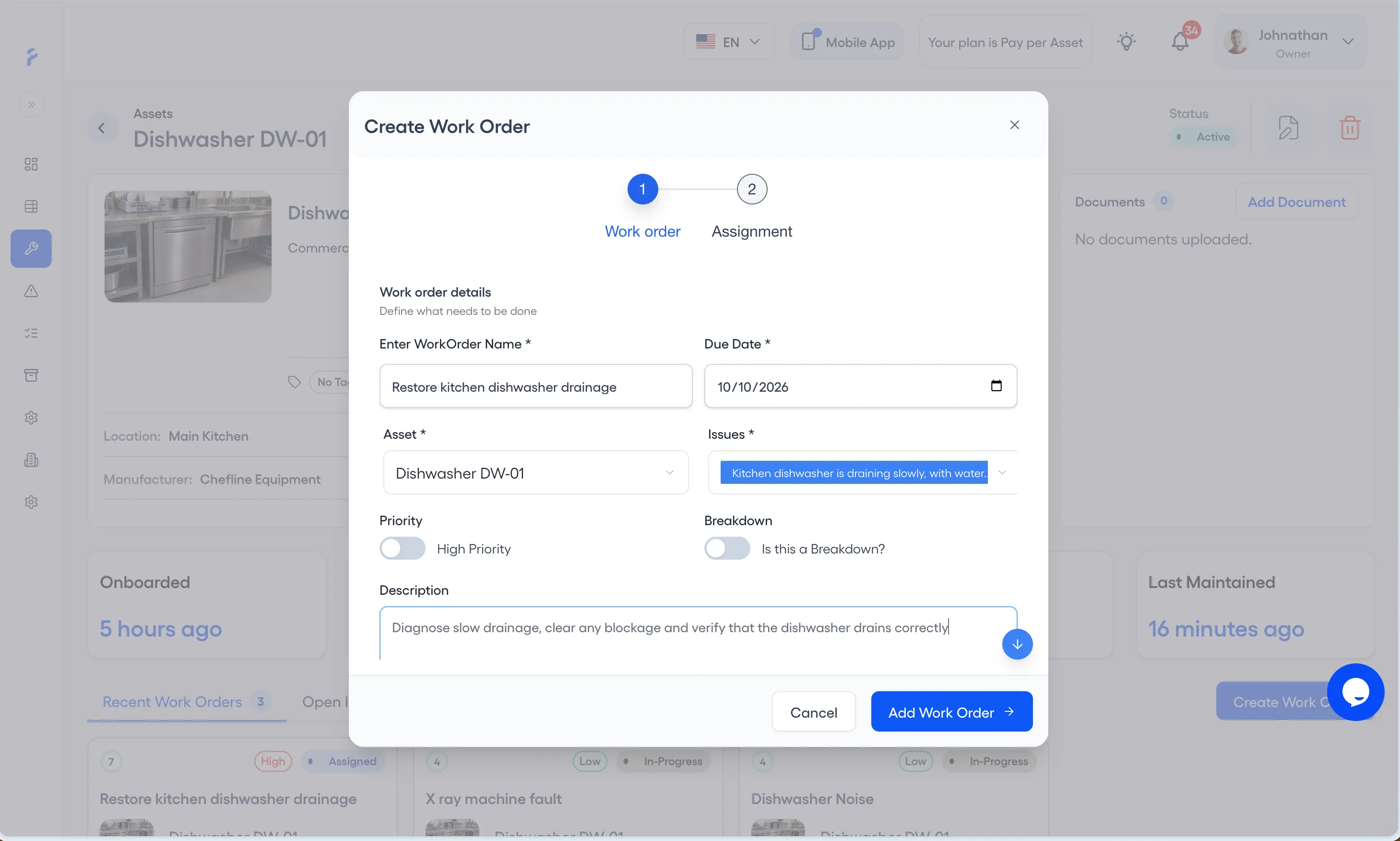
A guided wizard replaces the long work order form
Where raising a work order means a long form of required fields, most of them irrelevant to the job in front of you, people stop raising work orders. FixAhead's guided wizard captures what matters — asset, issue, assignee, priority — in one guided flow.
- Step-by-step wizard takes under a minute to complete
- Link parts, procedures, and schedule in one flow
- Assign by skill match and technician availability
- Real-time notifications the moment a job is created
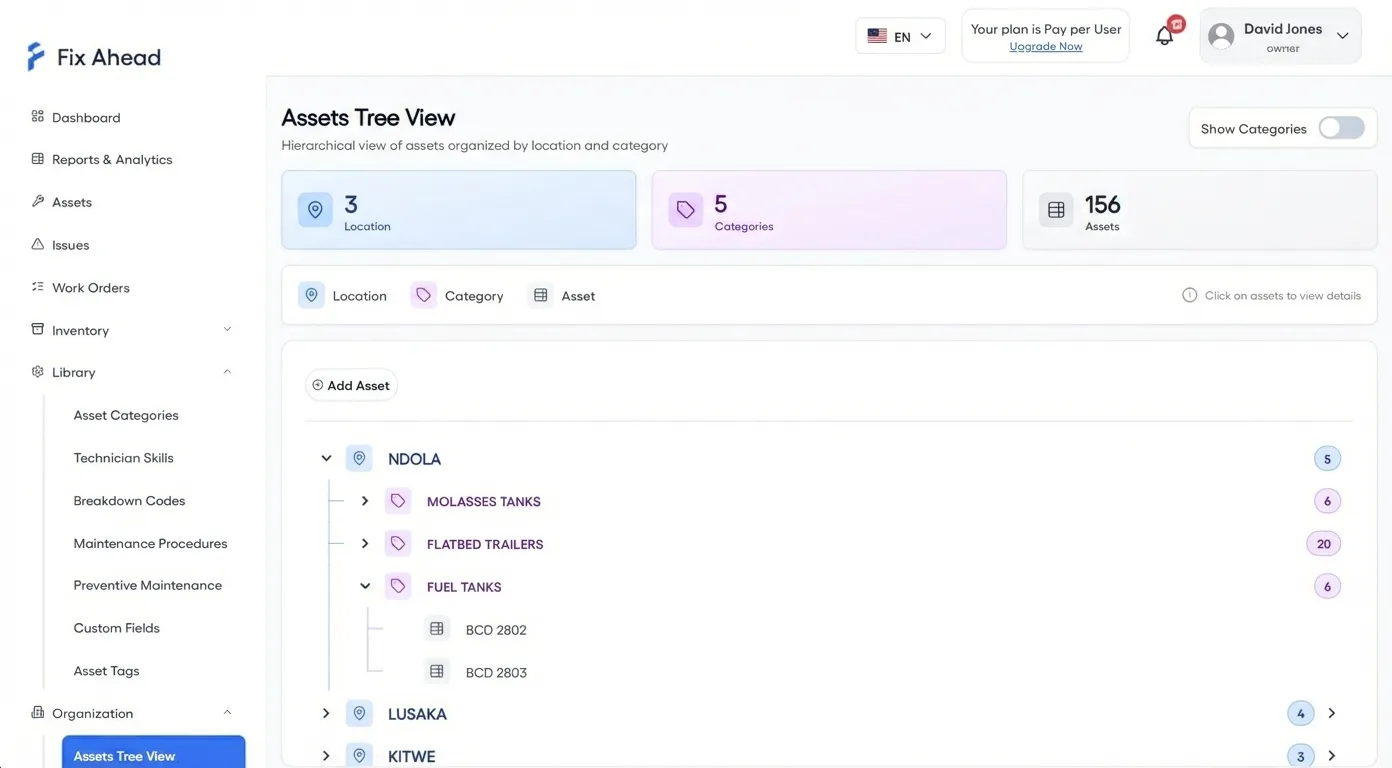
Setup in one sitting, without consultants
No consultants, no IT tickets. Create your account, import assets, set up PM schedules, and assign your first work order — all in one sitting.
- Location tree with drag-and-drop organization
- Bulk import from CSV or Excel, with each row checked
- 9 custom field types (Pro) for each asset category
- Multi-language support, including Arabic written right to left
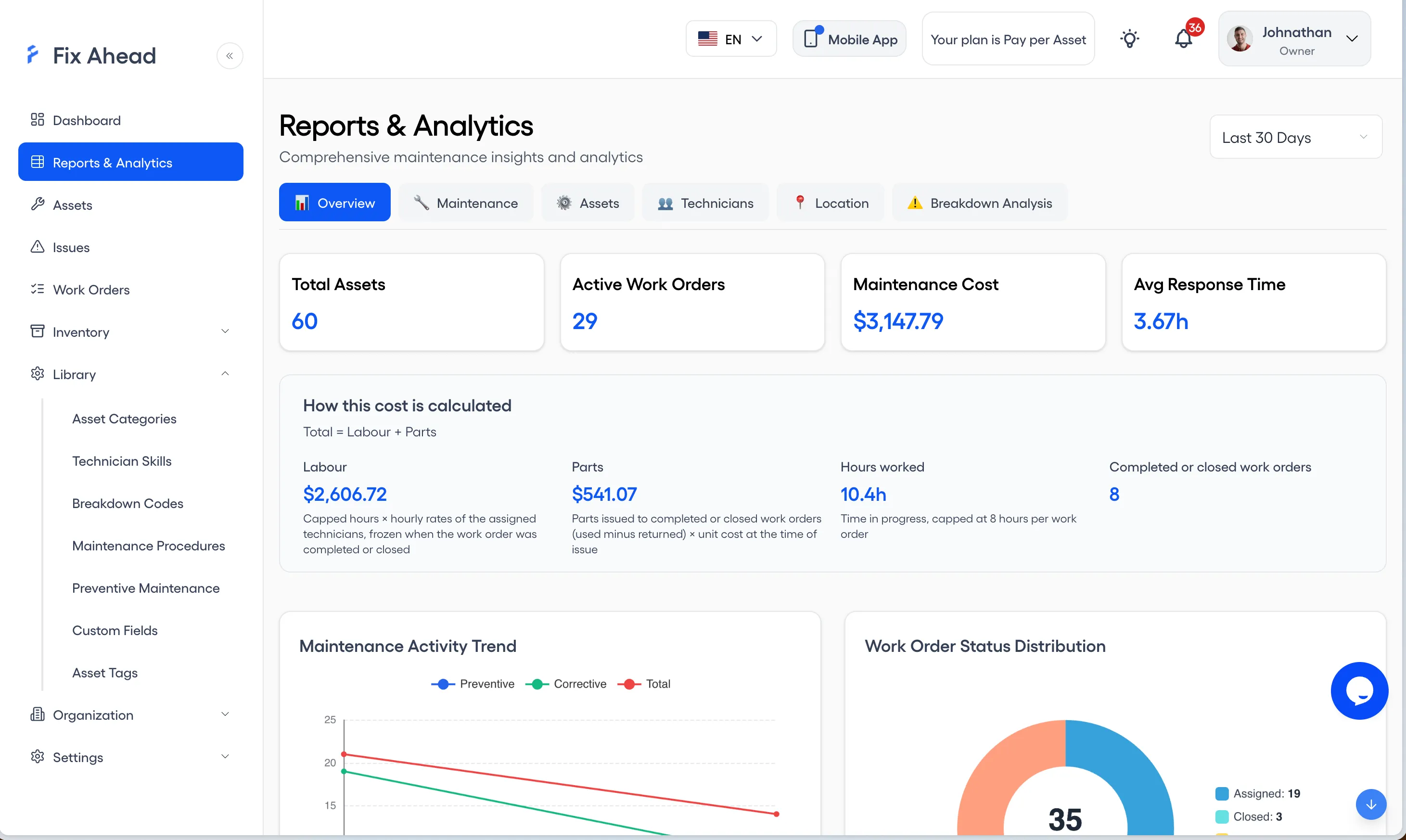
11 reports on Pro — not sold as add-ons
Reporting is where per-module pricing usually starts. FixAhead includes activity trends, work order status breakdown, MTBF/MTTR, PM compliance, and technician workload on Pro.
- Activity trends and work order status at a glance
- MTBF/MTTR reliability analytics per asset
- Cost analysis by asset, location, or time period
- Export everything to PDF, Excel, or CSV
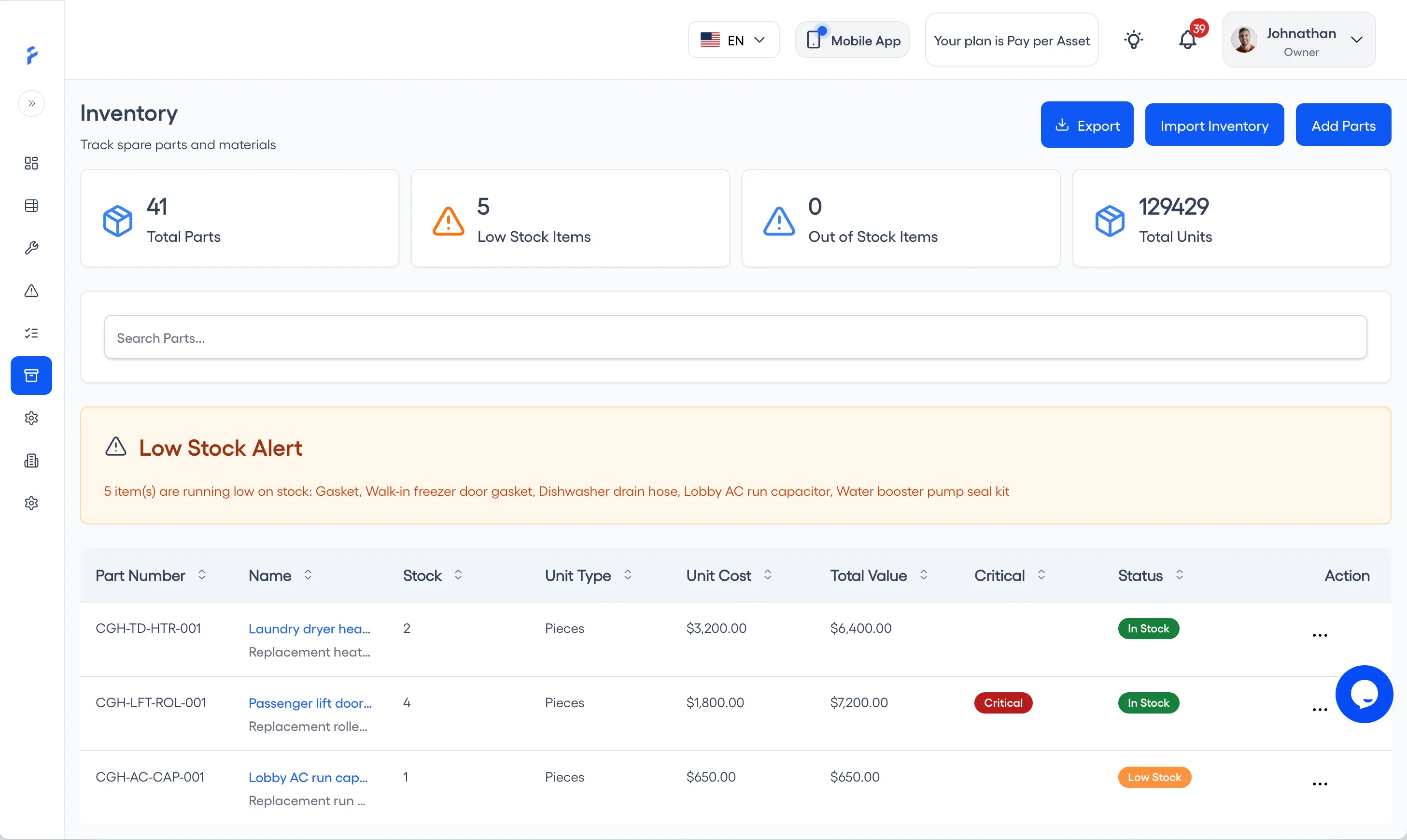
Inventory tracking without a separate module fee
Inventory is the other module that tends to be priced on its own. FixAhead includes parts tracking, supplier management, low-stock alerts, and full transaction history — on Pro.
- 25 unit types for any part or consumable
- Low-stock alerts so you never run out of critical spares
- Full transaction history with 7 stock transaction types
- Parts linked directly to work orders for cost tracking
Pricing follows assets or users, whichever is cheaper
Transparent pricing with no contracts. Pay per asset or per user, whichever is cheaper — applied automatically. Add team members or assets as you grow, with clear per-unit pricing and no sales calls required.
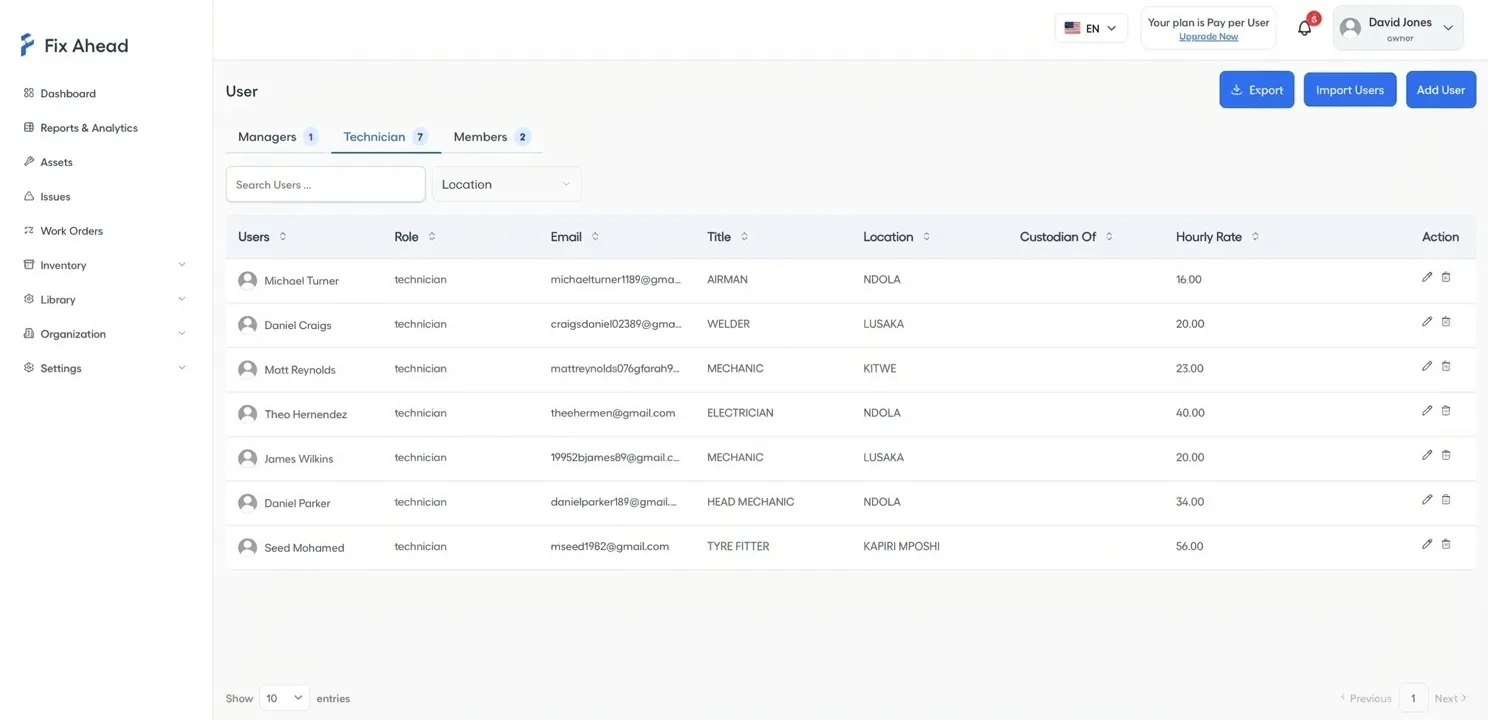
- 4 user roles with granular permissions
- Configurable hourly rates per technician
- Add-on pricing: $10/user or $10/10 assets per month, billed on whichever is cheaper
- No annual contract — cancel anytime
Mobile app included free — not a paid add-on
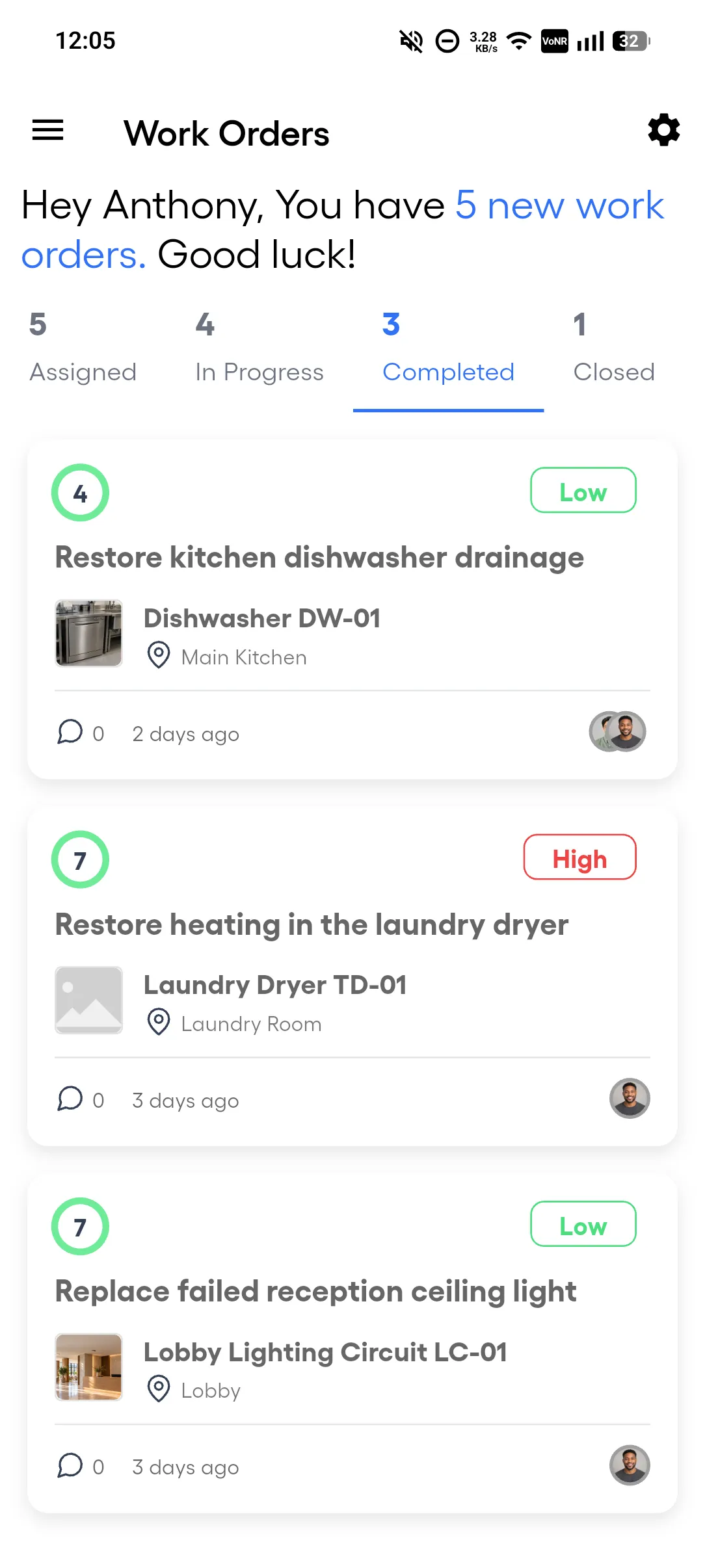
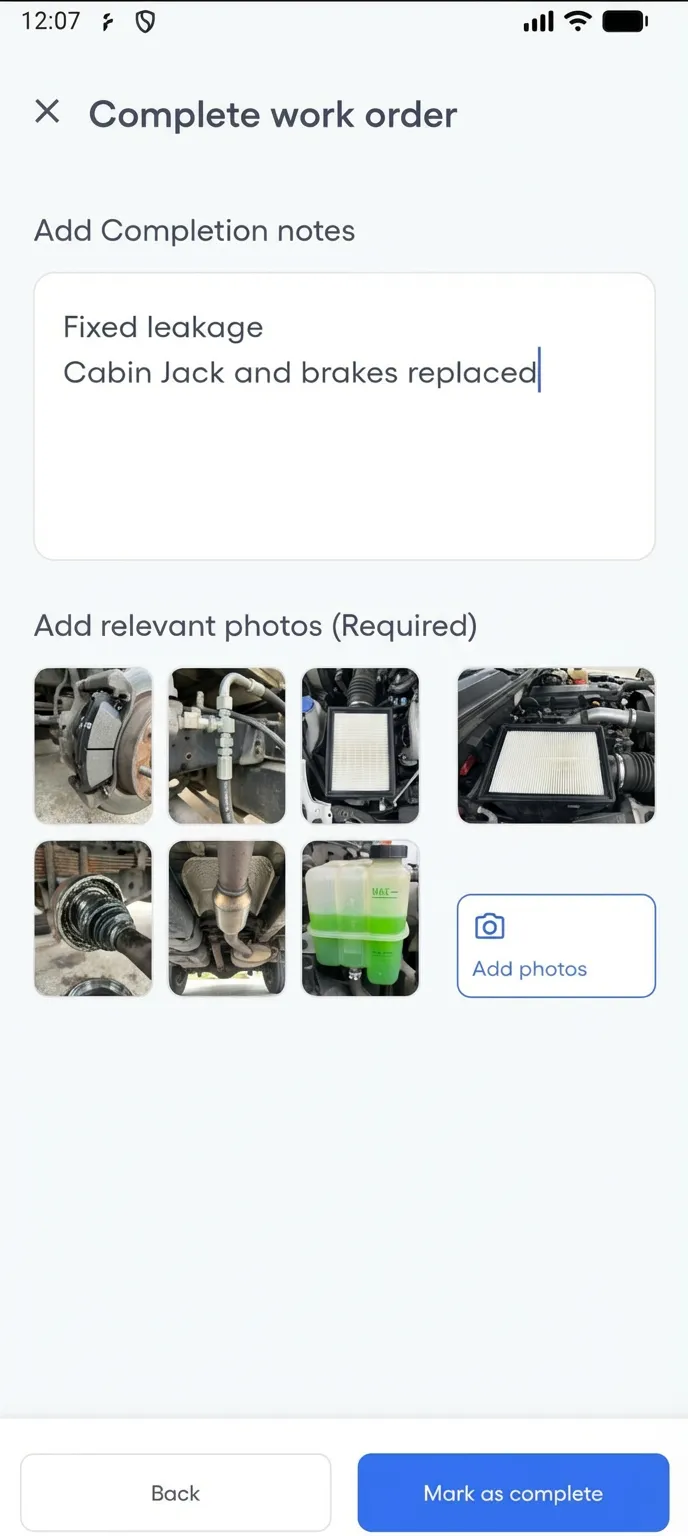
Where mobile access is a paid seat on top of the licence, the field team ends up sharing one. FixAhead includes a native Android app with every plan — so your technicians manage their work orders from the field at no additional cost. iOS is coming soon.
- Complete work orders with checklists and photo evidence
- Push notifications the moment a job is assigned
- Record parts used, up to the quantity reserved, and update status from the field
- Free on Android — no per-seat mobile fee
- The Android app works offline for assigned work orders, and the work syncs when the connection returns
Frequently asked questions
Common questions from teams evaluating FixAhead vs enterprise platforms.
Can FixAhead handle 500+ assets?+
Yes. FixAhead scales to thousands of assets with hierarchical locations, custom fields for each category, and bulk import. The Pro plan includes unlimited assets on pay-per-user pricing.
What about regulatory compliance?+
FixAhead tracks full maintenance history with timestamps, technician records, photo evidence, and procedure completion logs. Custom fields and maintenance procedures can record what a compliance requirement asks for. Each work order keeps a timestamped timeline from creation to completion.
How does FixAhead pricing compare to an enterprise platform?+
We cannot put a number on theirs — enterprise platforms quote on a sales call rather than publishing a price. Ours is on the pricing page: free to start, $99/month for 10 users, a 14-day trial, and no contract.
Is there a limit on users?+
The Free plan supports 2 active users. The Pro plan includes 10, with add-ons available at $10/user per month. For larger teams, contact us for enterprise pricing.
Can I manage multiple sites?+
Yes. FixAhead supports hierarchical locations with unlimited depth. Filter dashboards, reports, and work orders by location. Every asset, work order, and report can be filtered to a specific site.